s h o r t f o l i o . . .
Showing posts with label FREE. Show all posts
Friday, February 28, 2025
Portfolio 1 and 2 . . . 3D model ACCESSORIES
Labels:
3d model,
ACCESSORIES,
FREE,
GOOGLE SKETCHUP,
PORTFOLIO,
Sketchup
Wednesday, November 13, 2024
Bench . . . skp 3D MODEL
Thursday, November 7, 2024
Pool Bed . . . skp 3D MODEL
Wednesday, October 30, 2024
Pouf . . . skp 3D MODEL
Thursday, September 27, 2018
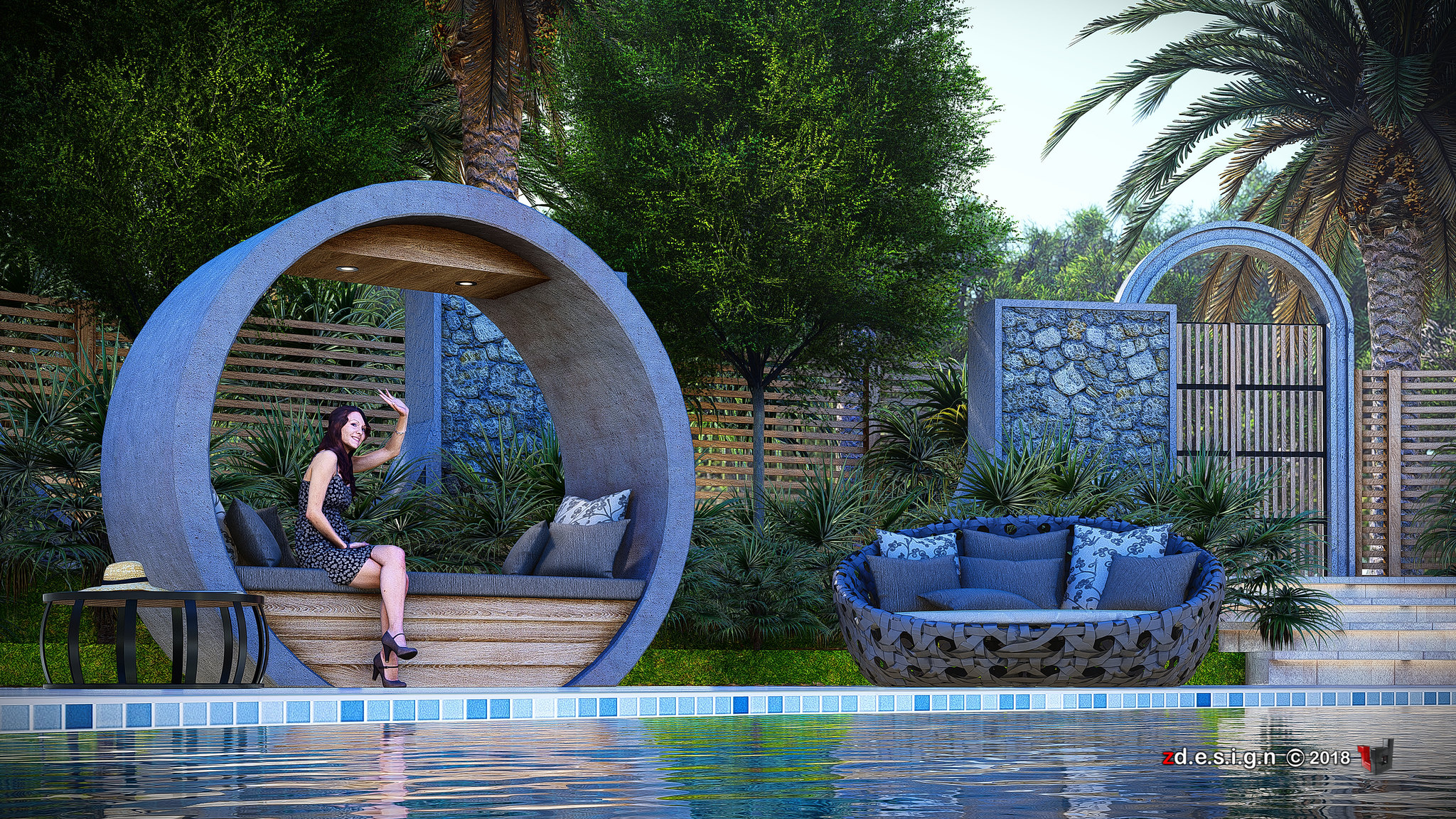
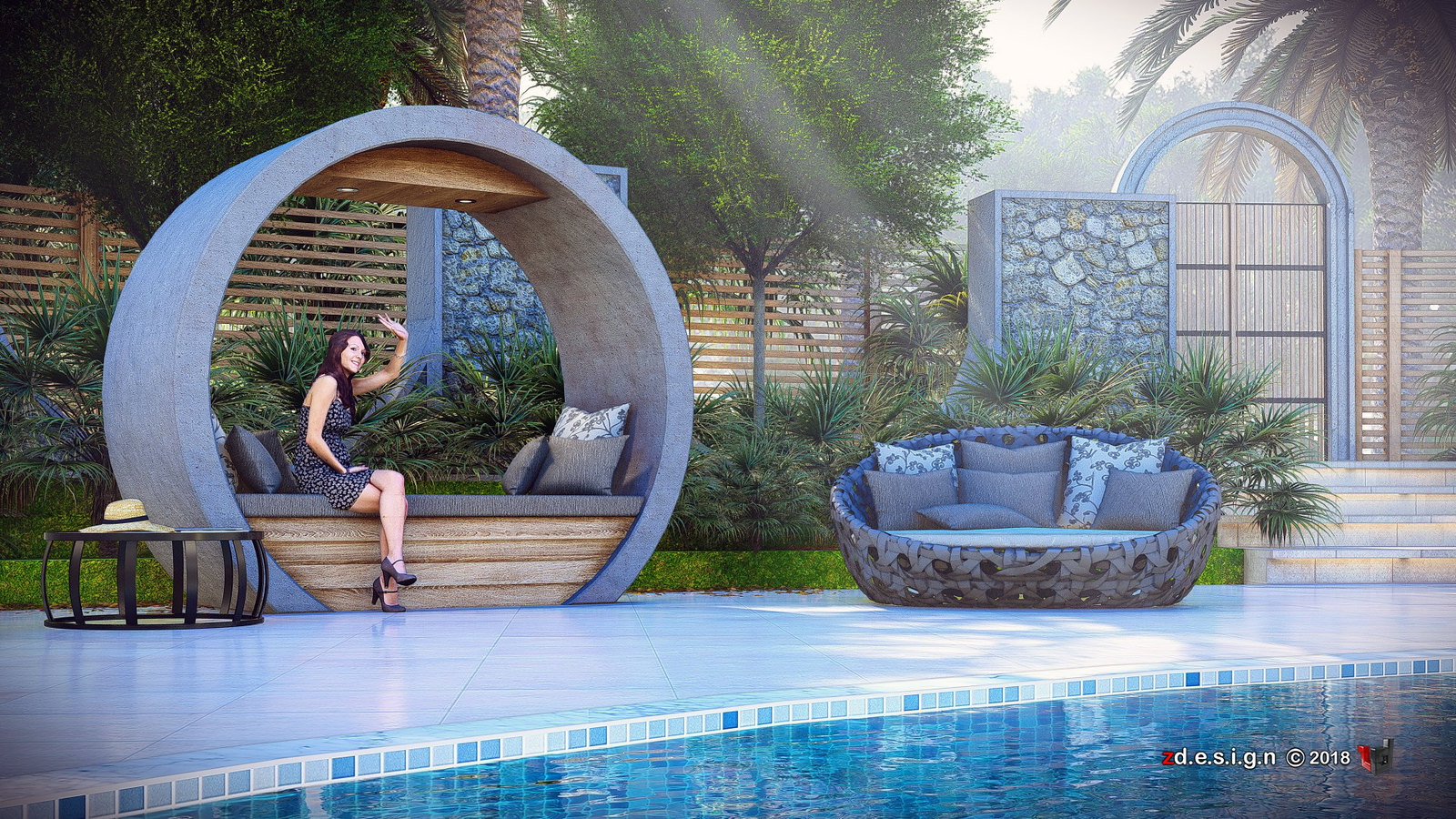
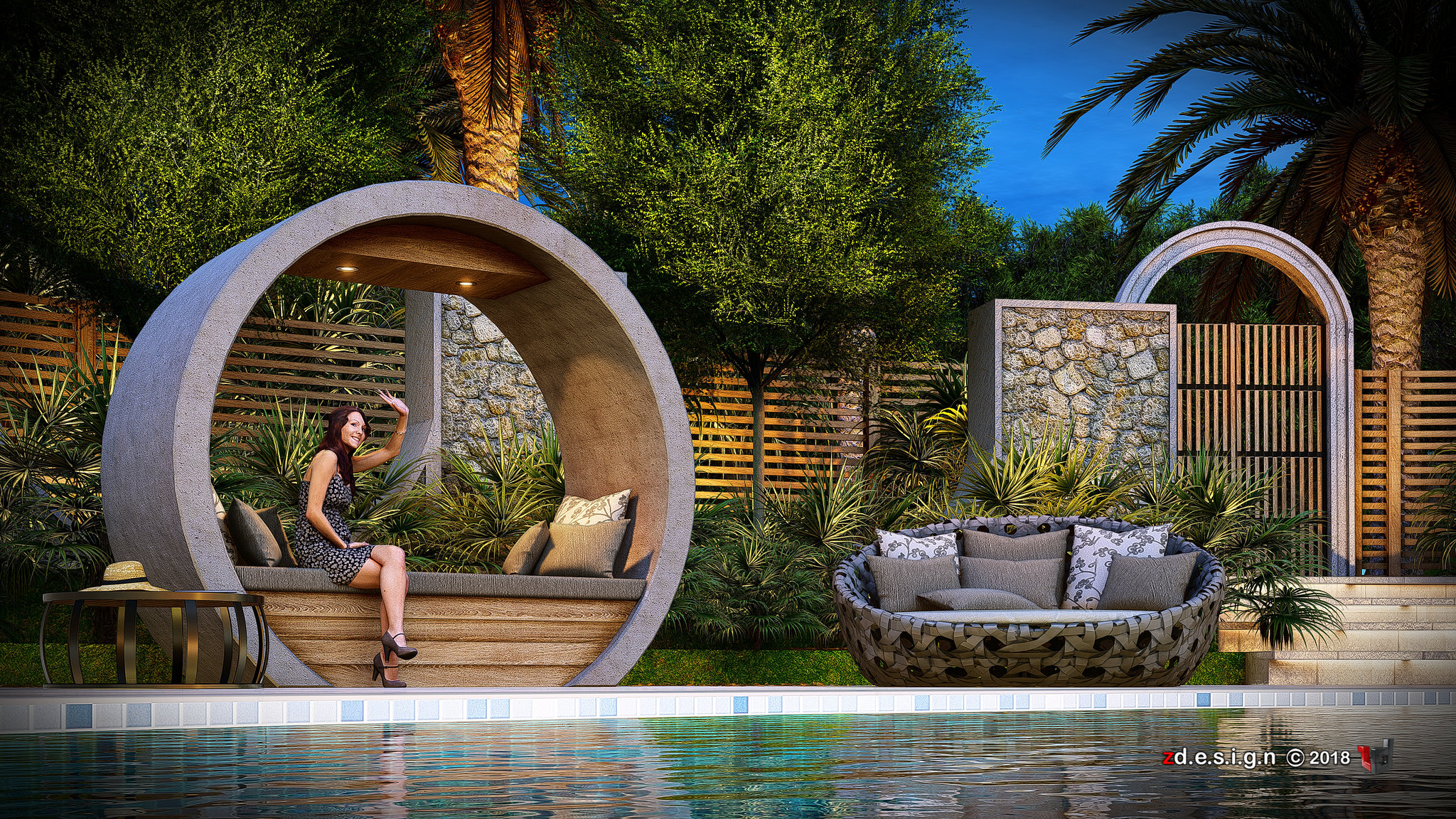
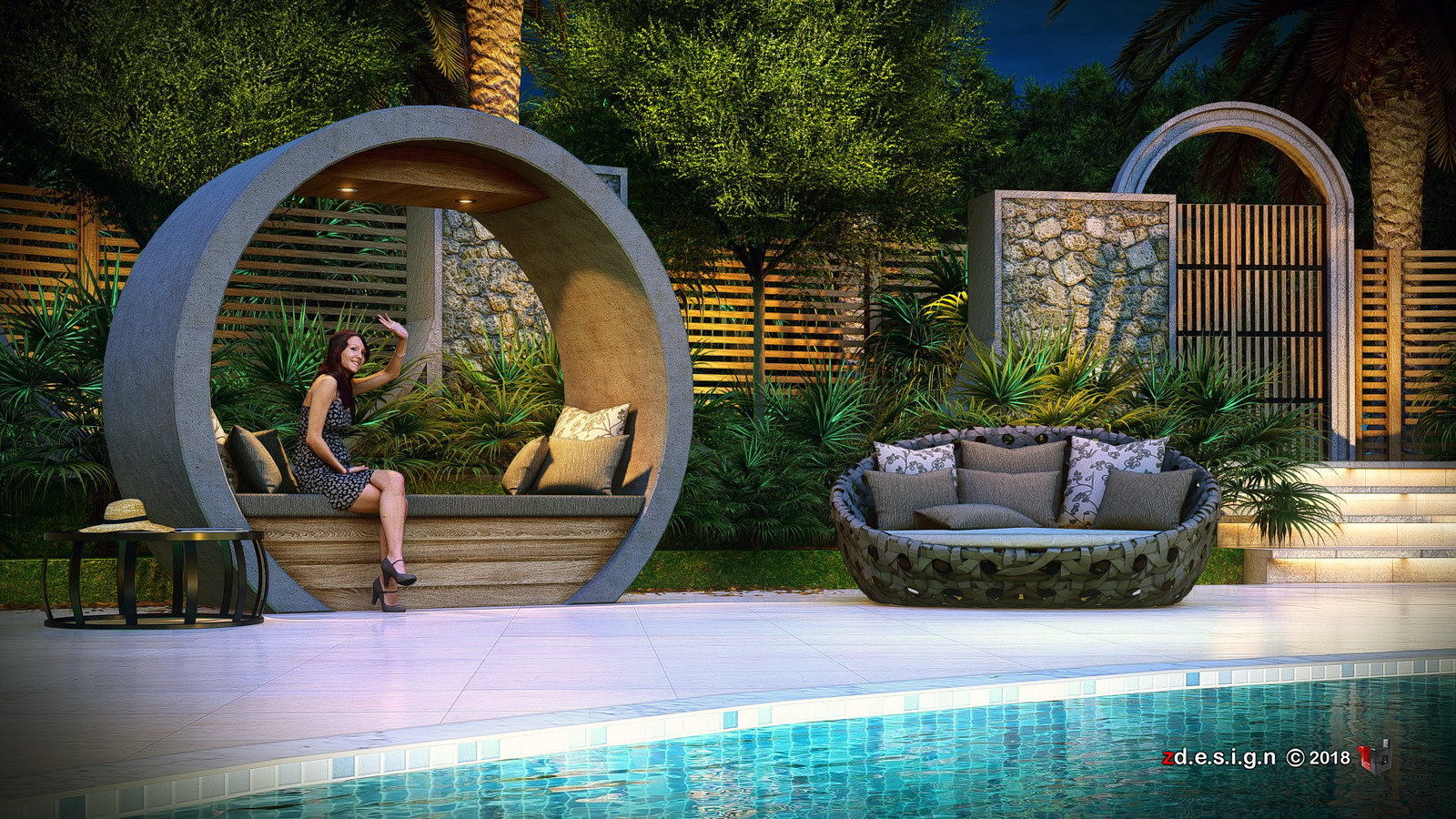
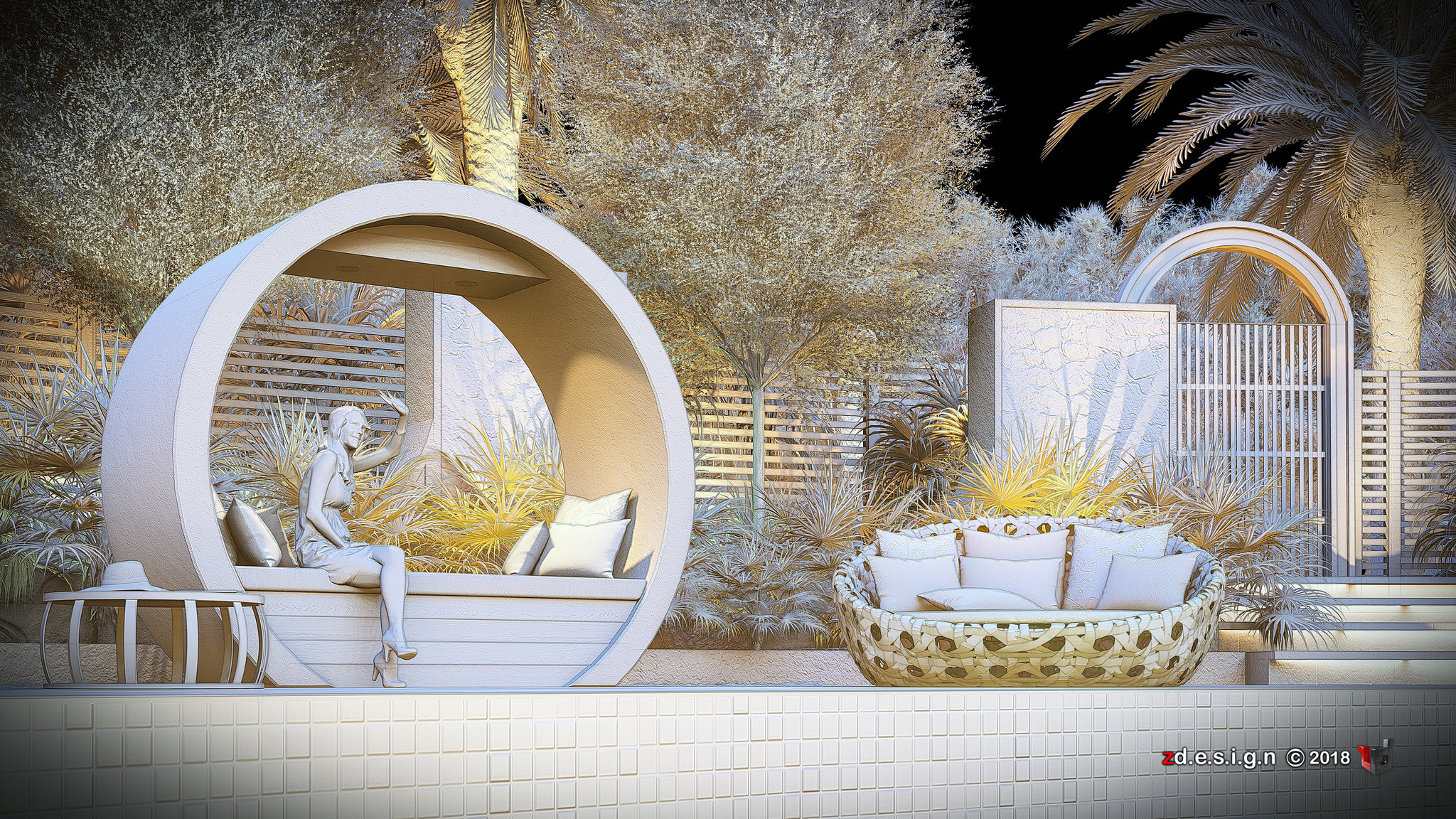
The Farm Pool ... Lumion render (REVISED 1) with Tips and Tricks
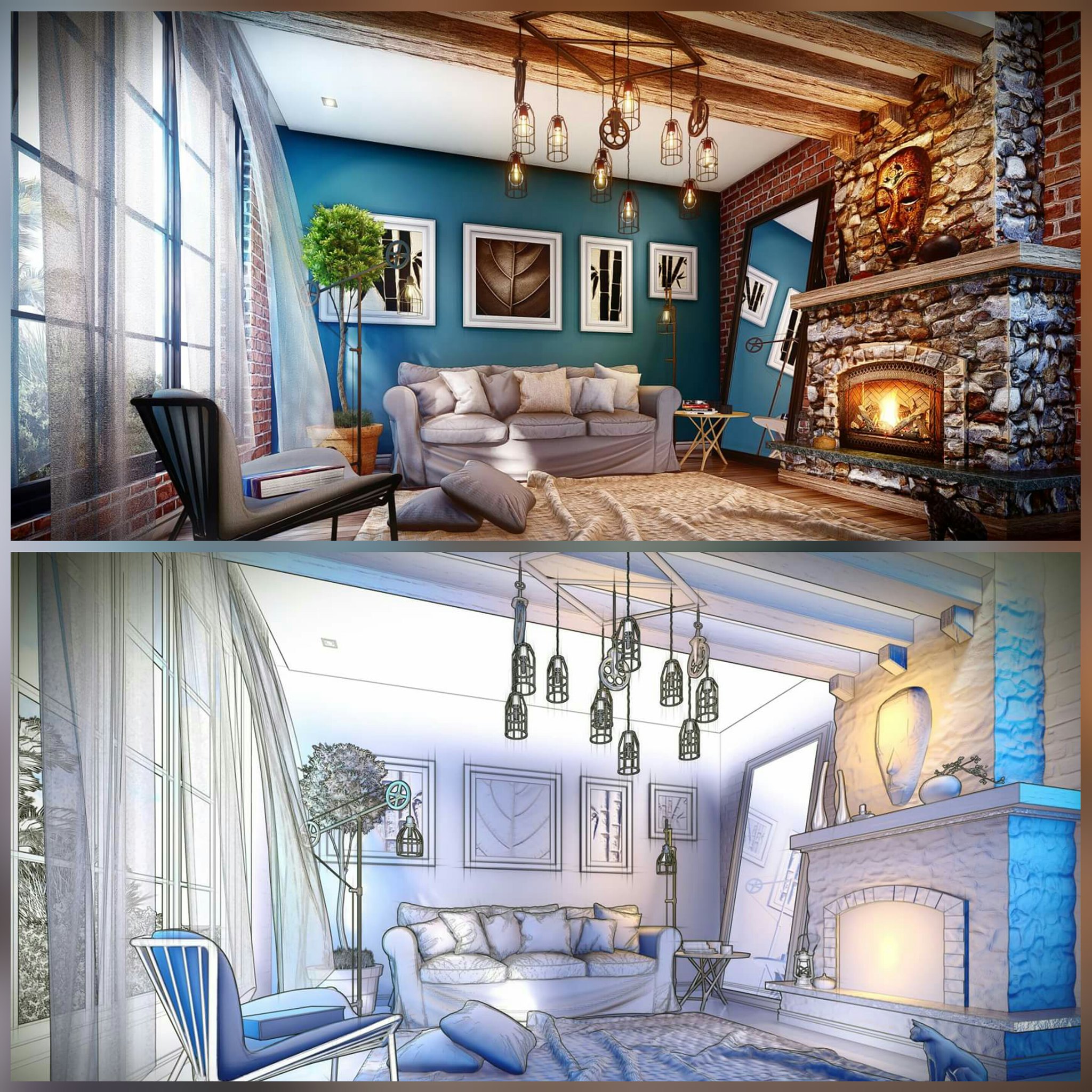
"The Farm Pool" - Relax and get away from the crowds, heat, noise and queues. Enjoy a day of nature, incredible views, friendly people, great foods and wine! workflow : sketchup + lumion8...check previous concept
code : P20_PRINT_DAY_BRIGHT *
code : FLYTHROUGH_DAY_BLOOM *
code : P20_PRINT_DAY_BRIGHT_lighting *
code : P19_PRINT_NIGHT_BRIGHT *
code : FLYTHROUGH_NIGHT_BLOOM *
code : P19_PRINT_NIGHT_BRIGHT_lighting *
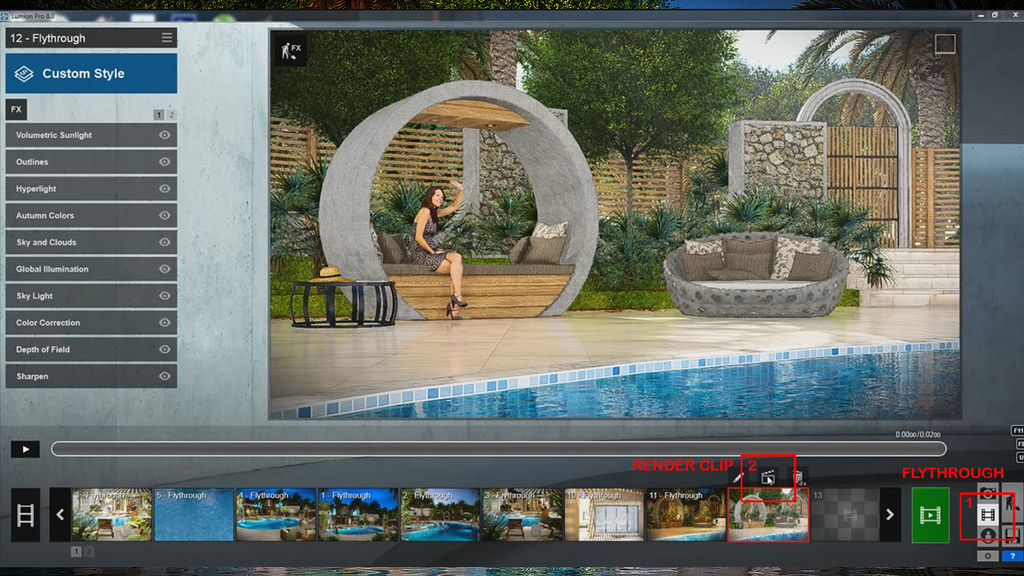
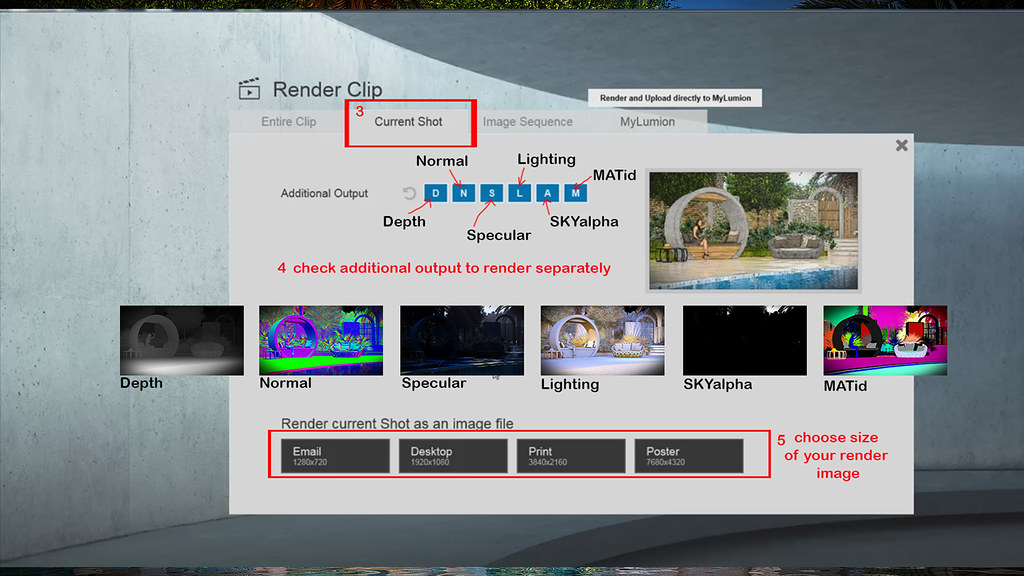
Tutorial : How to render the "Lighting" pass and other additional output like Depth, Normal, Specular, SKYalpha, and MATid...(follow the number steps)
1- Flythrough
2- RenderClip
3- Current Shot
4- Check additional output to render separately,
5- Choose size render image.
6- then save and hit render...voila!!!

Labels:
3d model,
EFFECTS,
FARM,
FREE,
LME,
LUMION8,
Render,
Sketchup,
STACKS,
SWIMMINGPOOL,
Tips and Tricks,
tutorials
Wednesday, July 18, 2018
LUMION EFFECT STACKs (lme)...SAMPLE
This stacks are my personal setting according to my scene setup and orientation of sun and sky in every angle using different kind of effects, hope you can try it and if you want just check below and load directly to your lumion.
This process is easy in Lumion, nevertheless you can make it even faster by re-using previous effects. Lumion allows you to copy/paste individual effects and combinations of effects (called effect stacks) for use in different images or animations. You can do this by either copy-pasting in a single project or by saving and loading between one Lumion project and another. This helps save even more time in achieving high quality images, movie clips or 360 panoramas.
LUMION EFFECT STACKS (lme)_2
check all my lumion render - HERE
This process is easy in Lumion, nevertheless you can make it even faster by re-using previous effects. Lumion allows you to copy/paste individual effects and combinations of effects (called effect stacks) for use in different images or animations. You can do this by either copy-pasting in a single project or by saving and loading between one Lumion project and another. This helps save even more time in achieving high quality images, movie clips or 360 panoramas.
LUMION EFFECT STACKS (lme)_2
HINT : after render in lumion, open the render image with stack 2 lme in photoshop and overlay stack 1 lme with 20 percent opacity and check the difference.
Monday, June 22, 2015
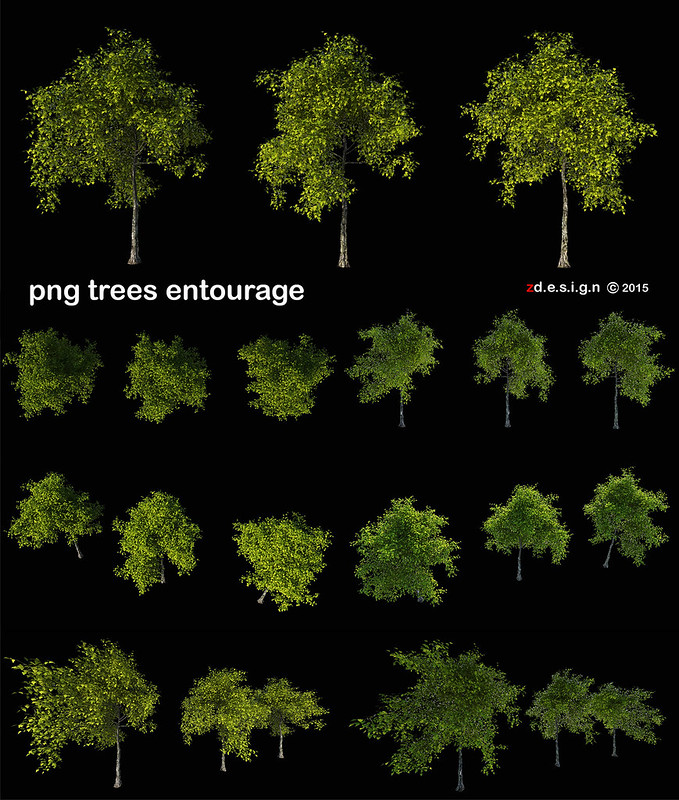
iTrees-02-Hawthorn_00 to 04__PNG ENTOURAGE . . .
click HERE to check png file
Monday, June 15, 2015
Subscribe to:
Posts (Atom)