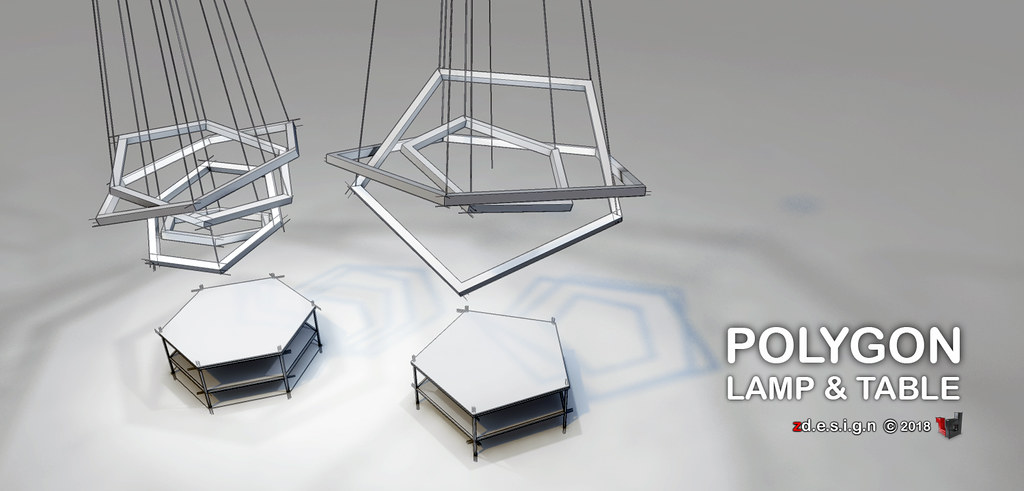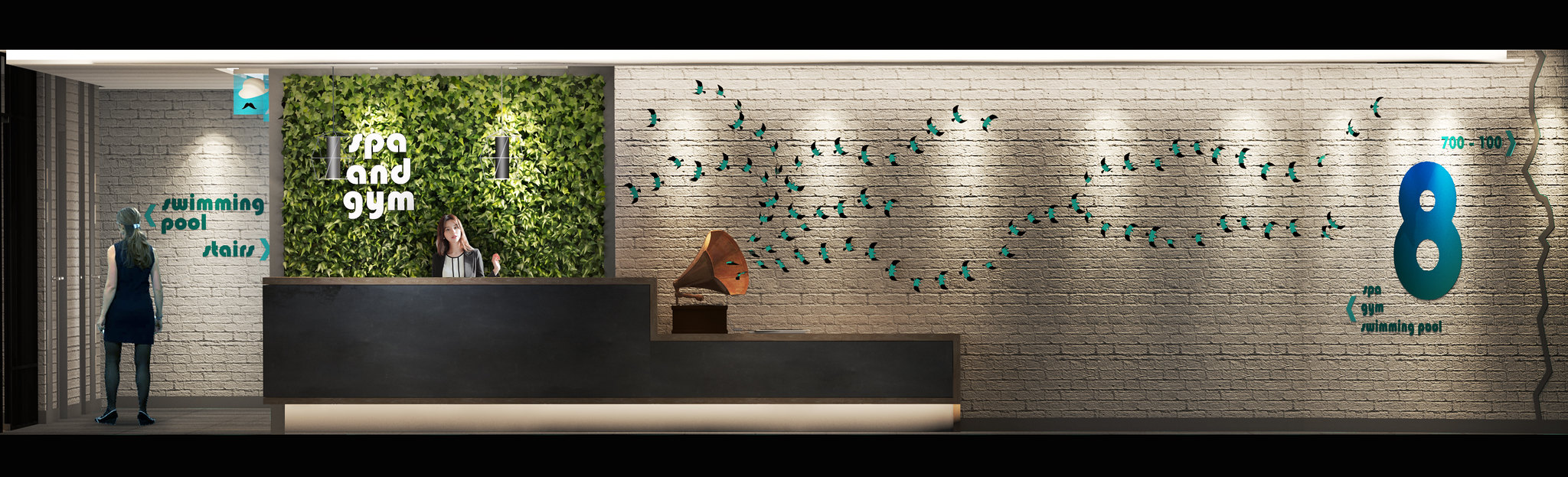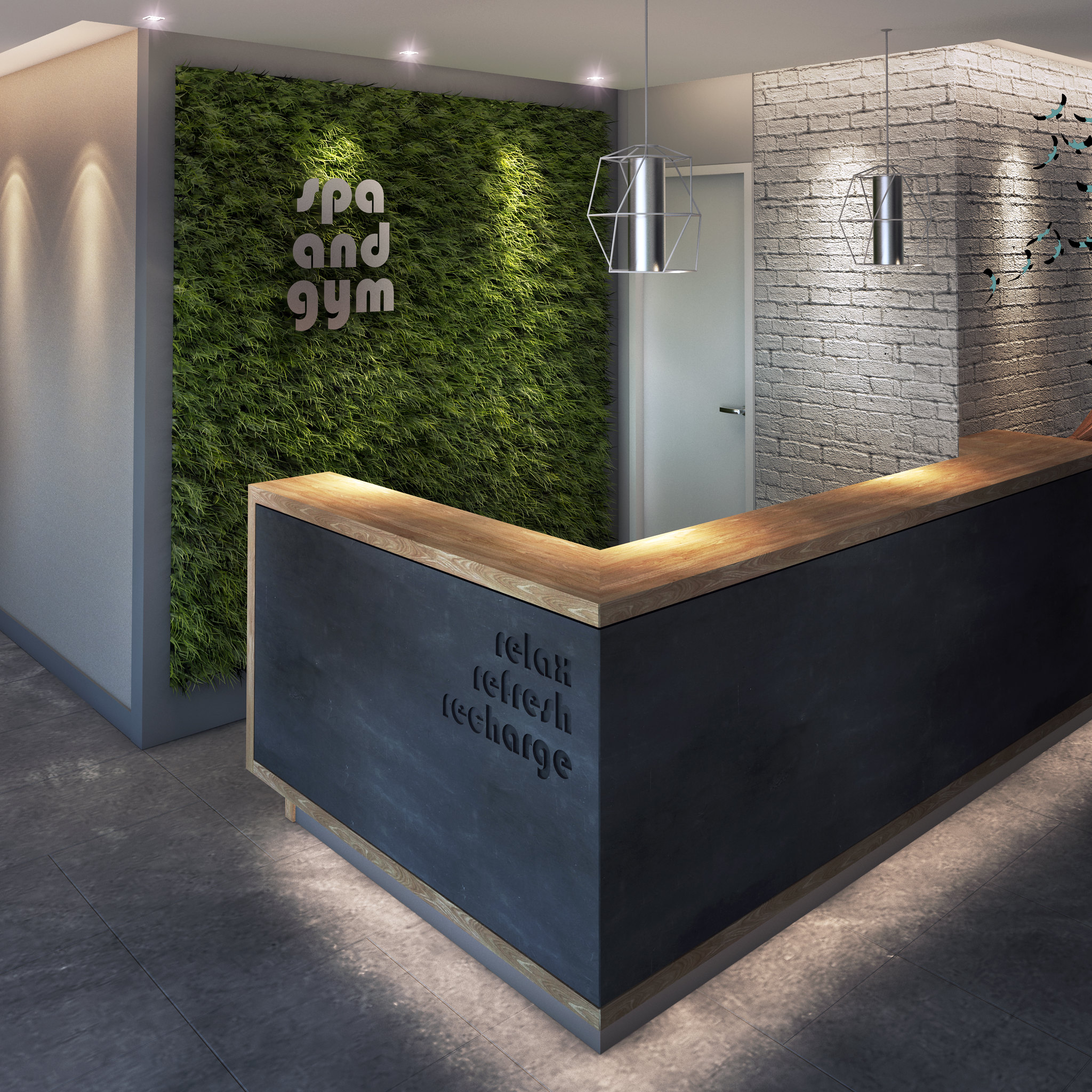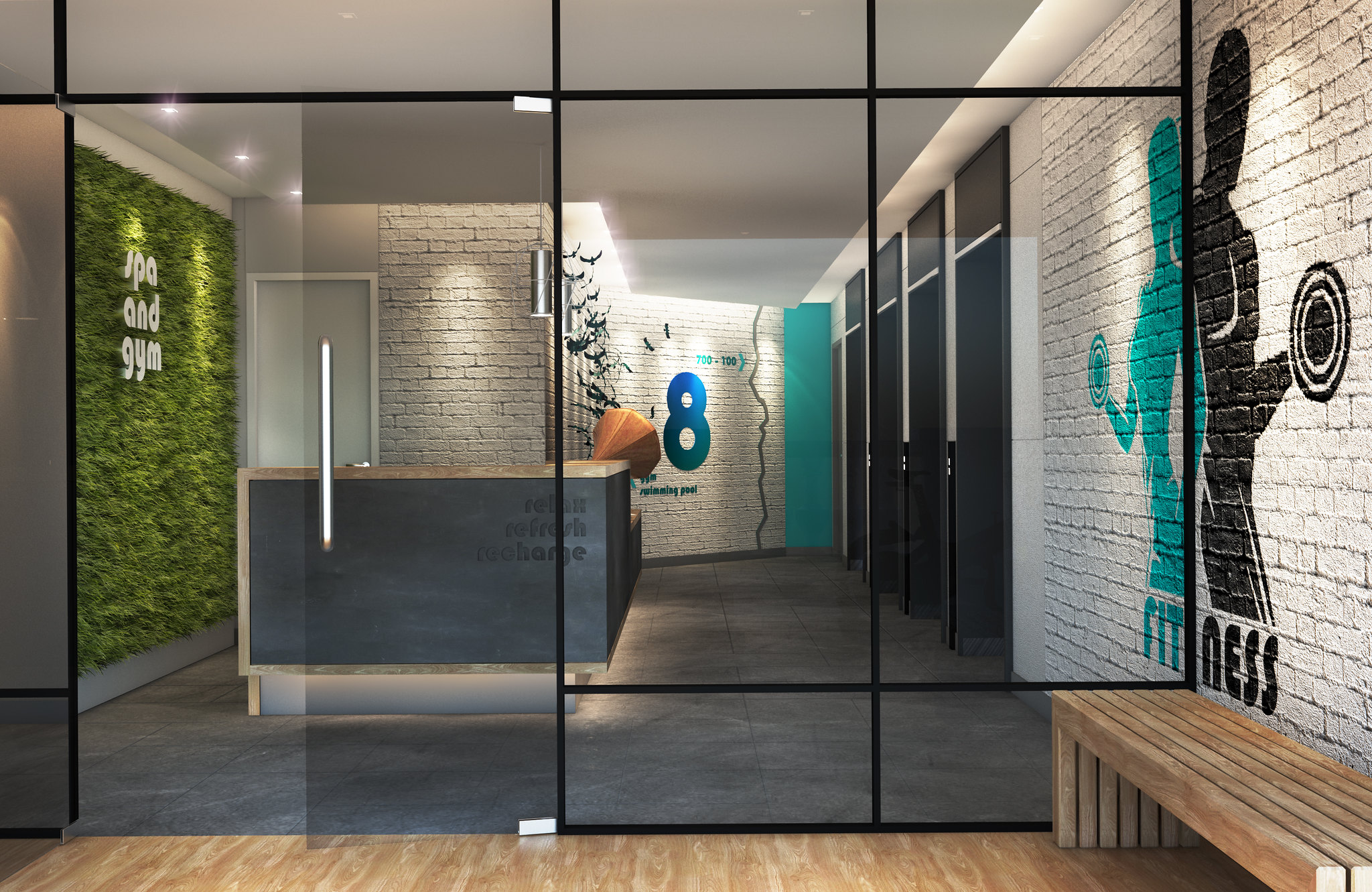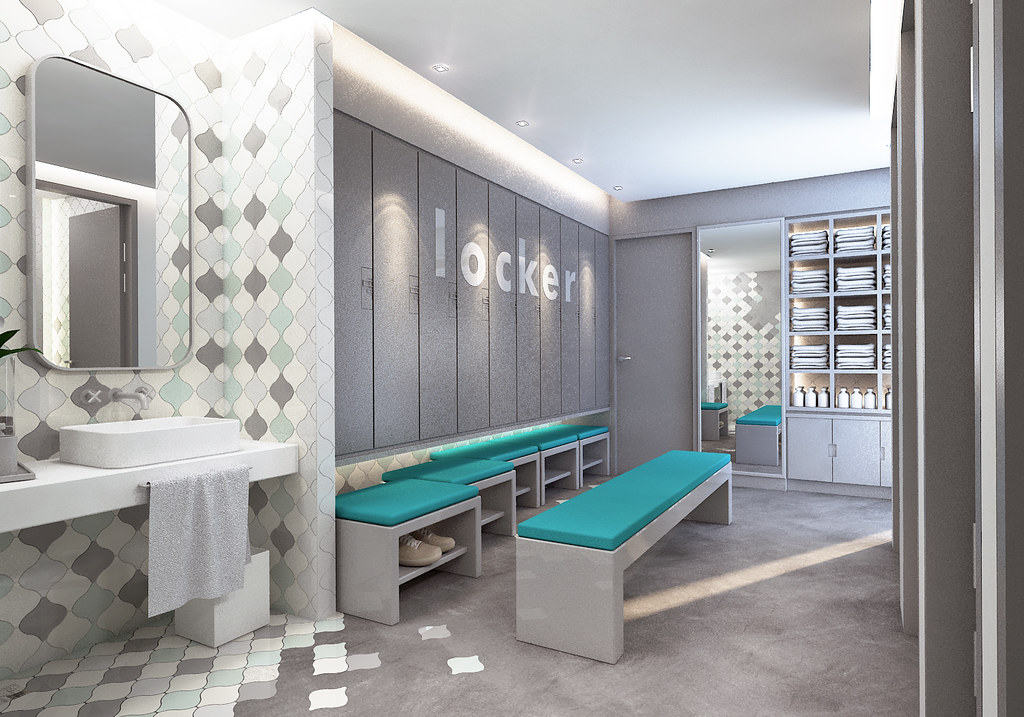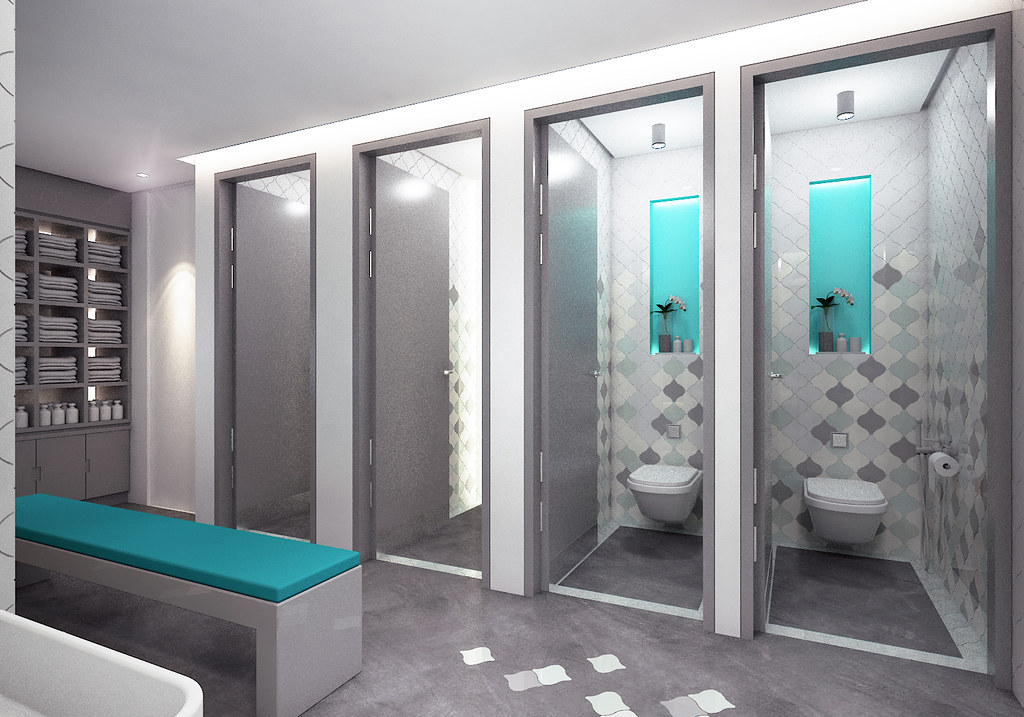
This bendable and adjustable cage light fixture model was made using real world scale for main shapes and details using sketchup 2018. 105 Groups 130 Instances 13930 Faces 2015 Edges 2 Cameras 6 Materials, texture bump are included in skp for vray rendering. The product comes in several formats: 3ds, obj, fbx, dae, stl, dwg, dxf along original sketchup file. #zdesignworks
s h o r t f o l i o . . .
Showing posts with label VRAY. Show all posts
Saturday, June 21, 2025
Tuesday, May 13, 2025
RPC is much more than entourage . . .
RPC is much more than entourage, it’s an intelligent and integral part of your ArchVision design . . . https://lnkd.in/d9gbKxtA #archvision try it you can see the difference. - https://lnkd.in/d3xrenbh
Labels:
3DRENDER,
ARCHVISION,
Render,
RENDER ENGINE,
Sketchup,
VRAY
Thursday, October 24, 2024
ArchVision RPC is more than Entourage . . . It’s how you use it.
ArchVision is dedicated to making and selling the best-in-class tools available to you all in one place. Increase your productivity, ensure your workflows improve and stays simple.
SKETCHUP VRAY RENDER
Labels:
3DRENDER,
ARCHVISION,
Render,
RENDER ENGINE,
Sketchup,
VRAY,
ZDESIGNWORKS
Thursday, January 14, 2021
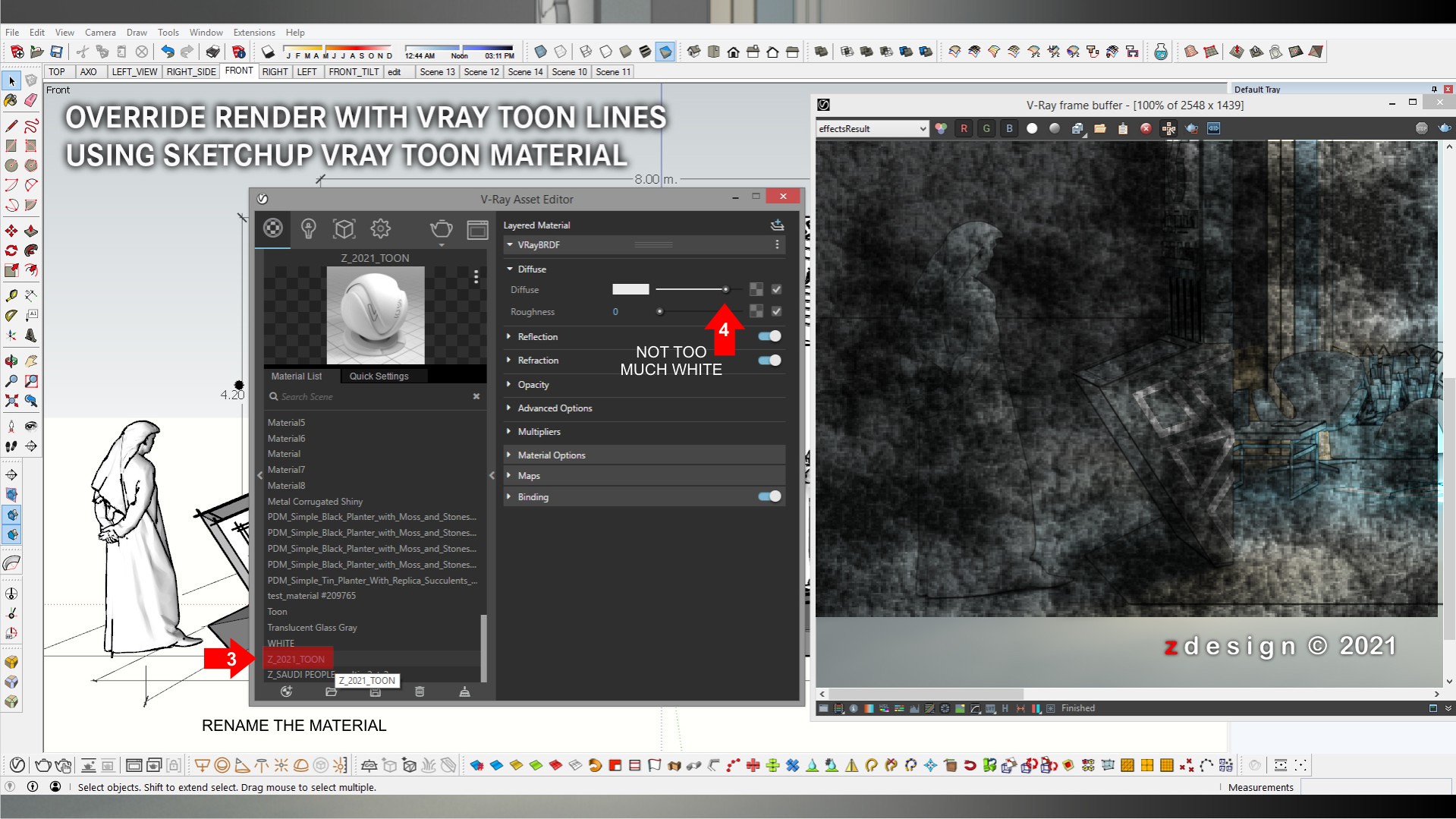
Tutorial Sketchup Vray Toon Override . . .
Vray Toon Effect Tutrial
The Toon Override material is related to the global Contour settings and some of the global options affect all Toon Override materials.
Rename Generic Material
Add Toon Material
In Toon Base Material Material
Adjust Line Width and check Conpensate EV
Now Check Override material in Setting and Locate the Toon Material
Saving Toon Material and try to Render a Scene.
Voila . . . zdesign Publication
https://zdesigninfo.blogspot.com/google.com,%20pub-2025840612938050,%20DIRECT,%20f08c47fec0942fa0
Labels:
EFFECTS,
GOOGLE SKETCHUP,
Sketchup,
Tips and Tricks,
TUTORIAL_VRAY_TOONS_OVERRIDE,
tutorials,
VRAY,
VRAYTOONS
Wednesday, September 23, 2020
UV Mapping of reflection map in Sketchup . . .
Labels:
Sketchup,
Tips and Tricks,
tutorials,
VRAY
Sunday, January 5, 2020
How to make Sketchy style image . . . NPR
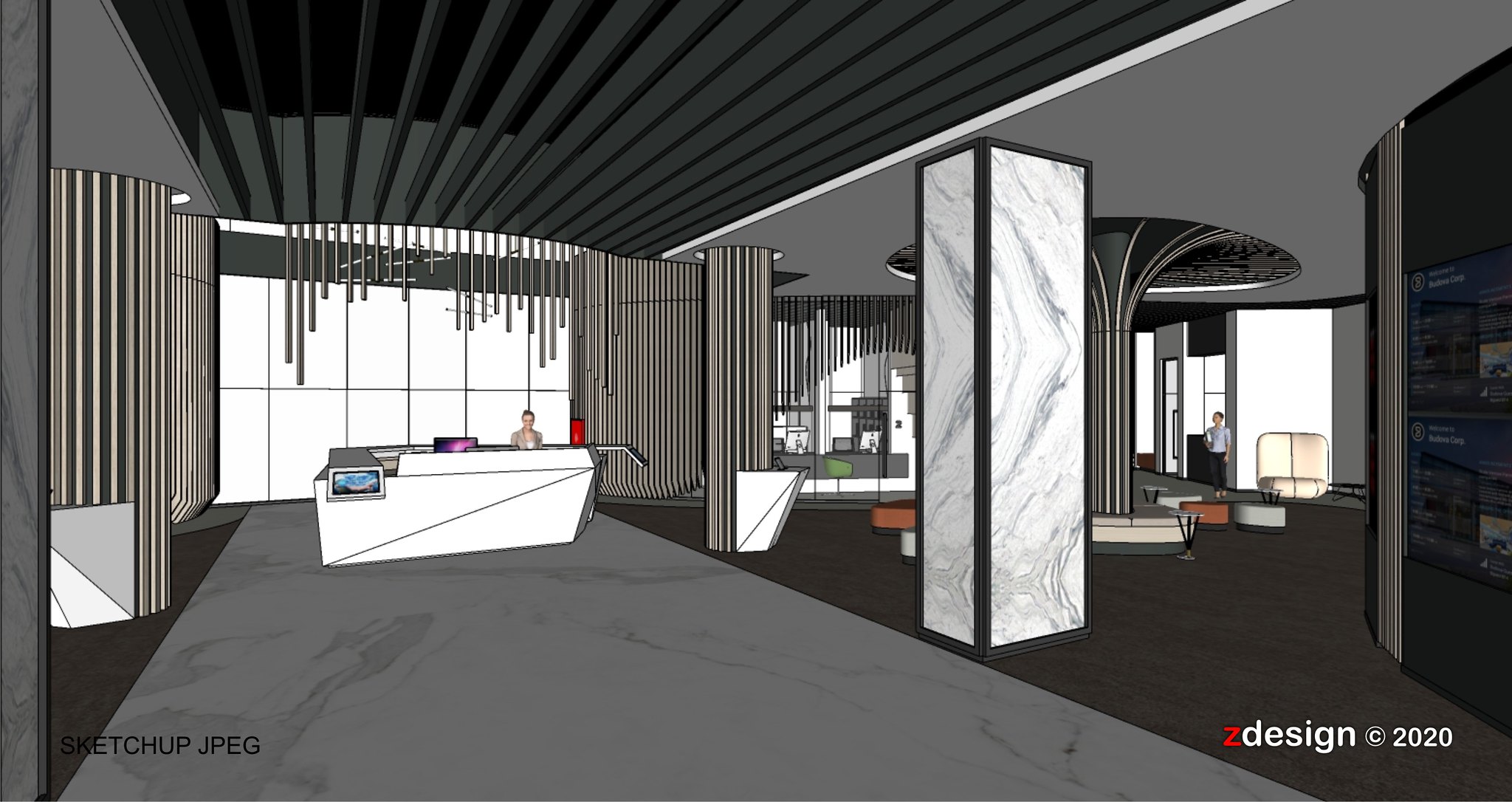
1 - From 3d model in Sketchup, save same size jpeg file format.
2 - From 3d model in Sketchup again, Render same position of camera angle with override material.
3 - Open photoshop, then overlay the jpeg file format from sketchup to jpeg override render.
4 - Open Fotosketcher and load the output overlay images then select watercolor effect.
5 - Add frame in Filter Forge for more realistic water color effect. Voila!

2 - From 3d model in Sketchup again, Render same position of camera angle with override material.
(showing all the light and sun illumination)
3 - Open photoshop, then overlay the jpeg file format from sketchup to jpeg override render.
4 - Open Fotosketcher and load the output overlay images then select watercolor effect.
5 - Add frame in Filter Forge for more realistic water color effect. Voila!
Hope it helps . . . check also my first tips HERE
Labels:
3d model,
adobe photoshop,
FotoSketcher,
NPR,
process,
Sketchup,
Tips and Tricks,
tutorials,
VRAY
Monday, January 28, 2019
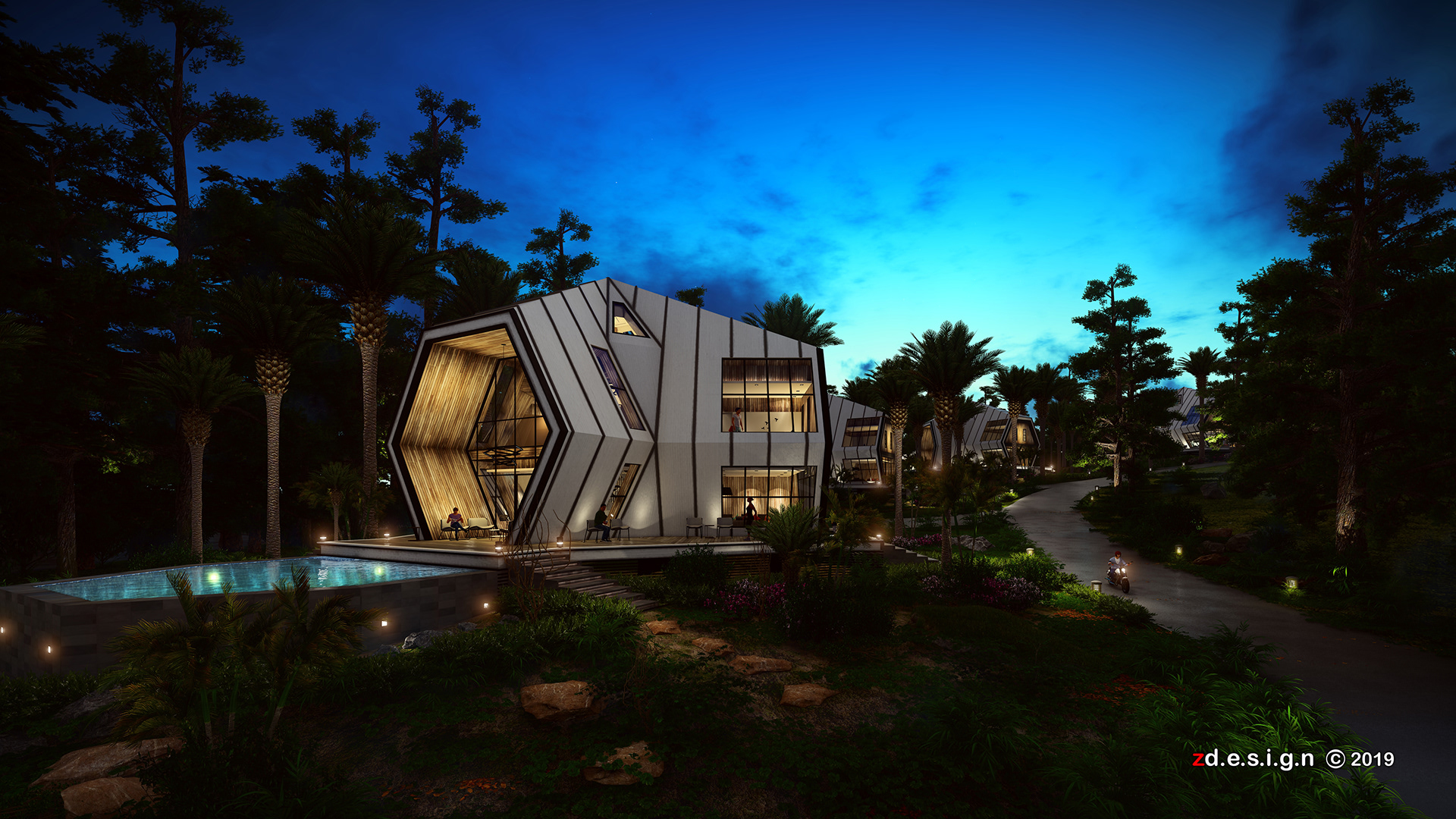
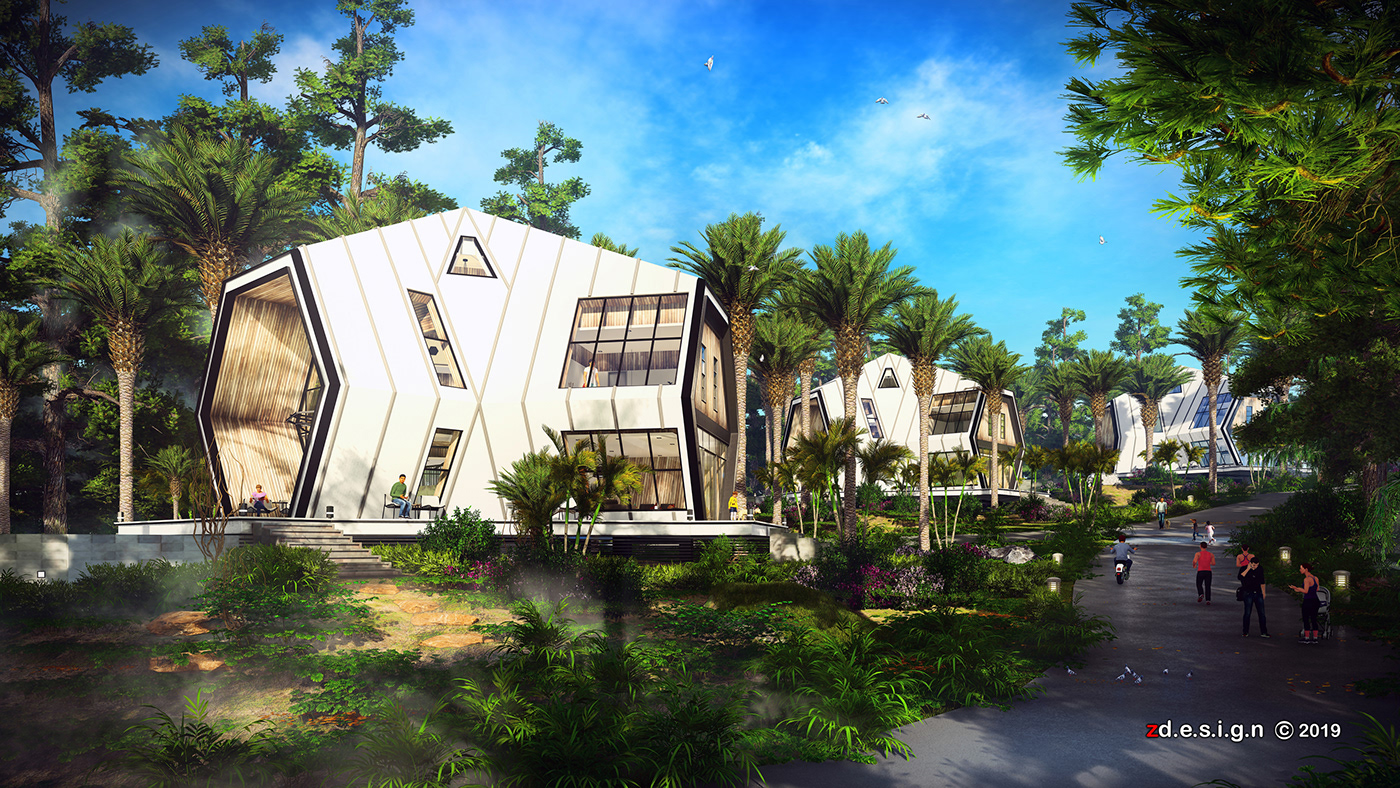
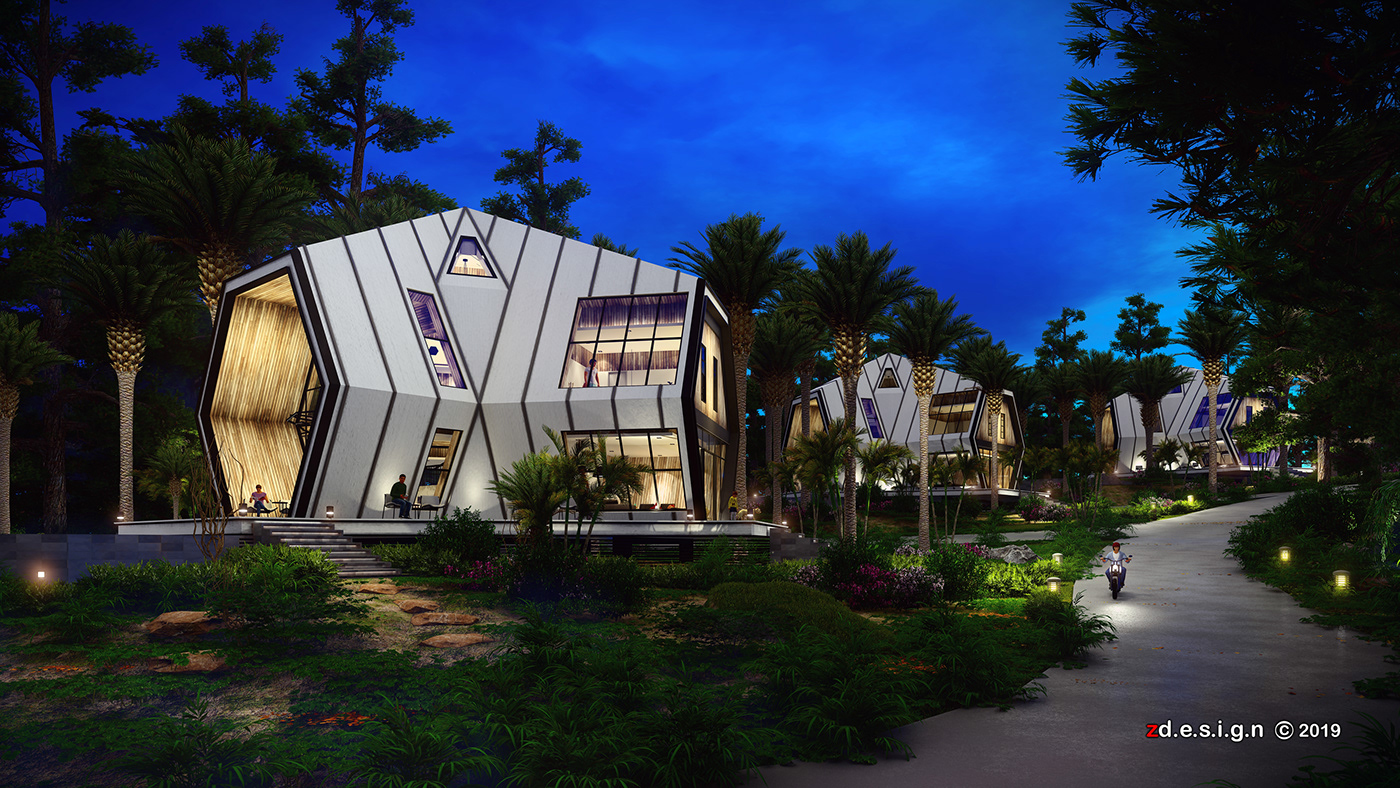
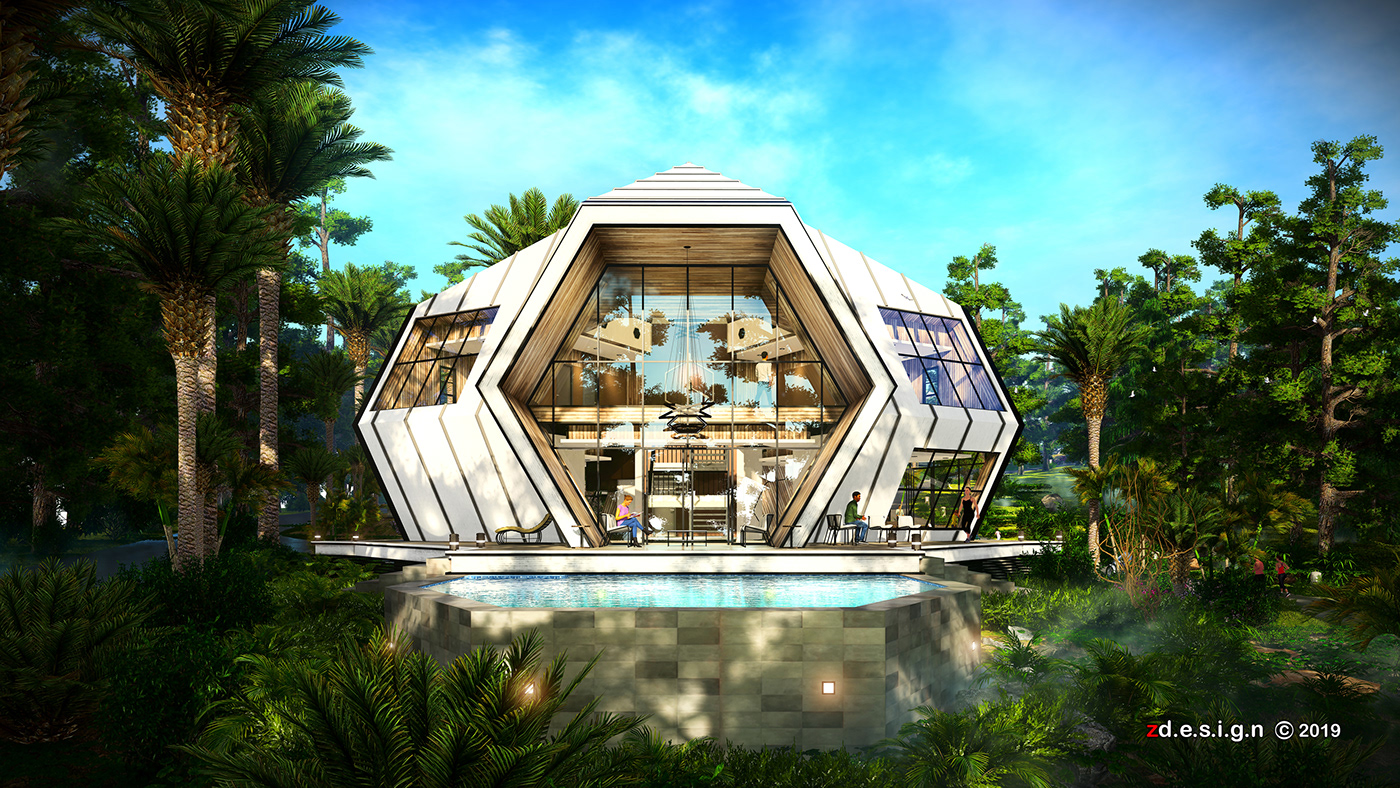
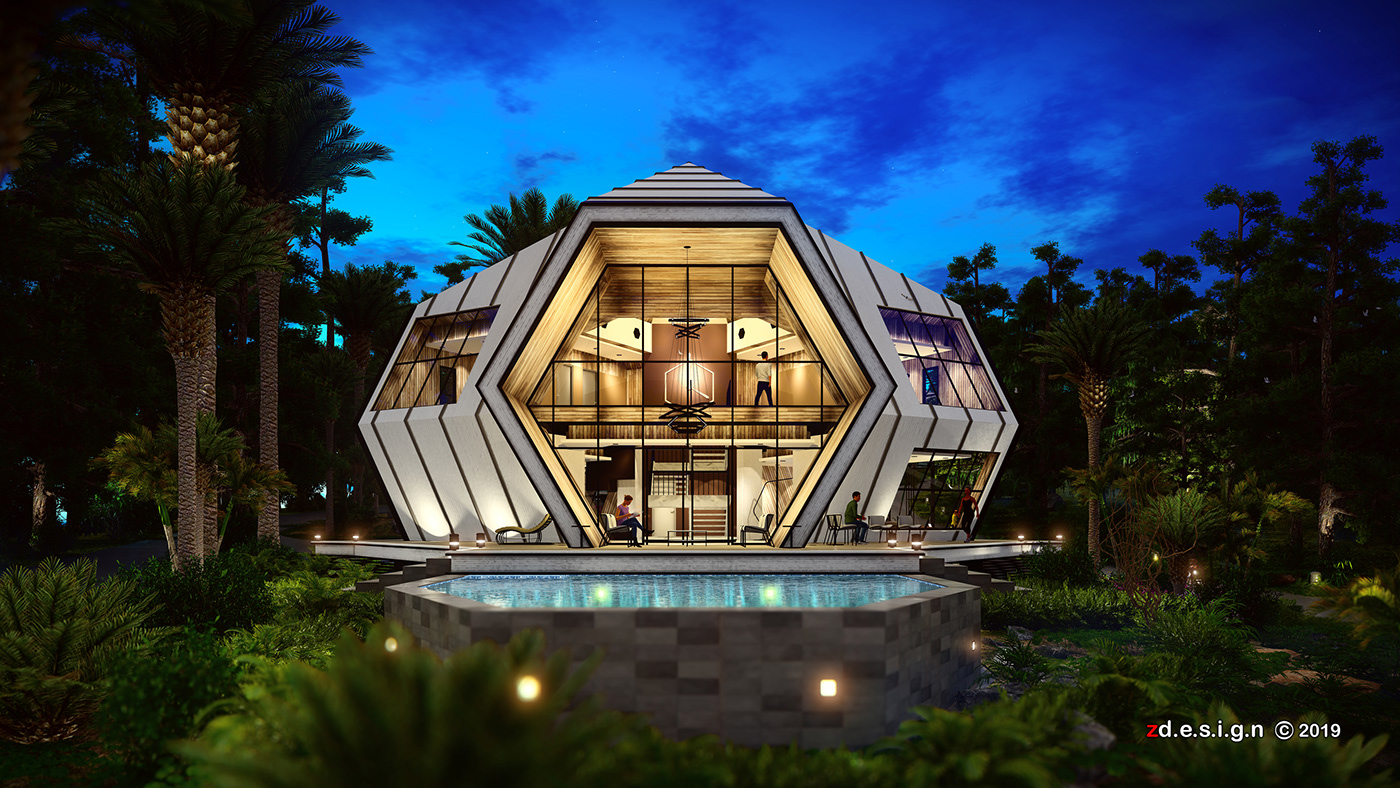
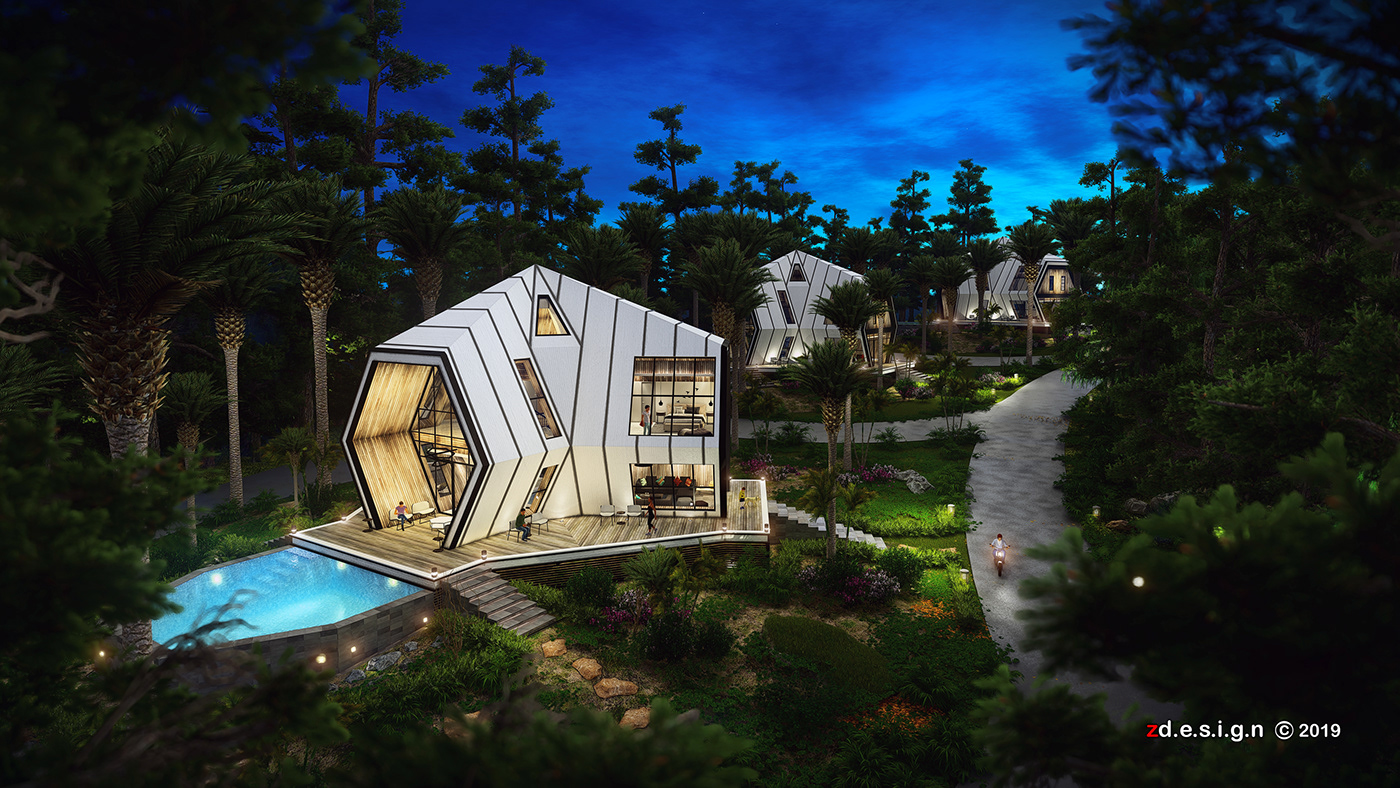
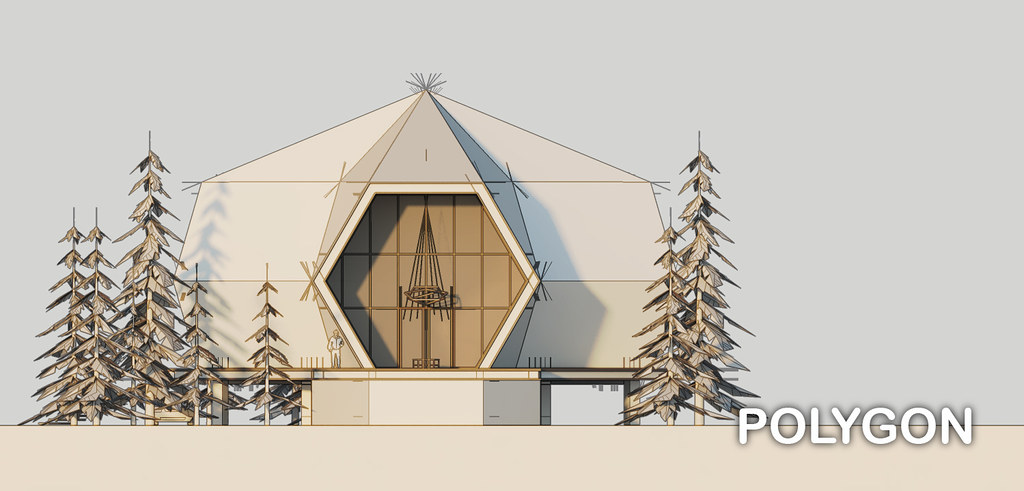
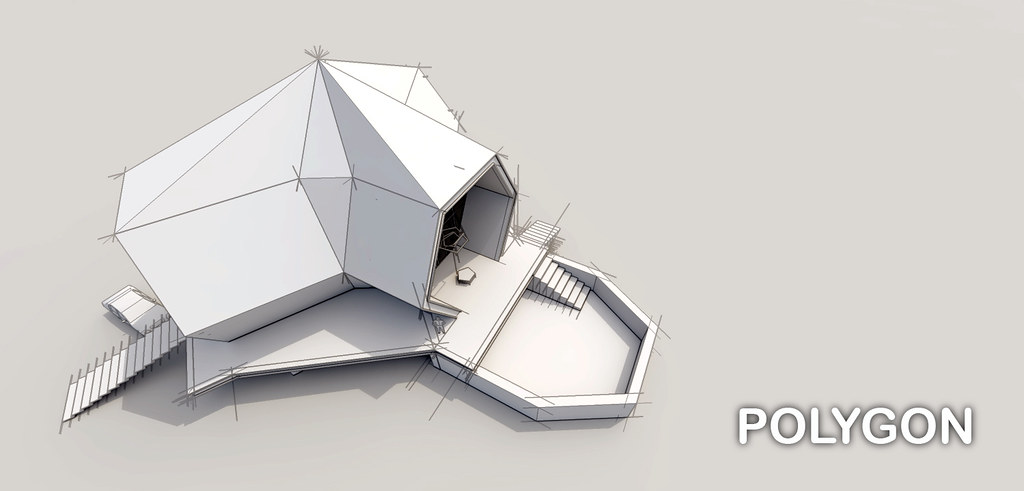
POLYGON...final
a polygon is a plane figure that is bounded by a finite chain of straight line segments closing in a loop to form a closed polygonal chain or circuit.
Tuesday, October 30, 2018
Tuesday, November 14, 2017
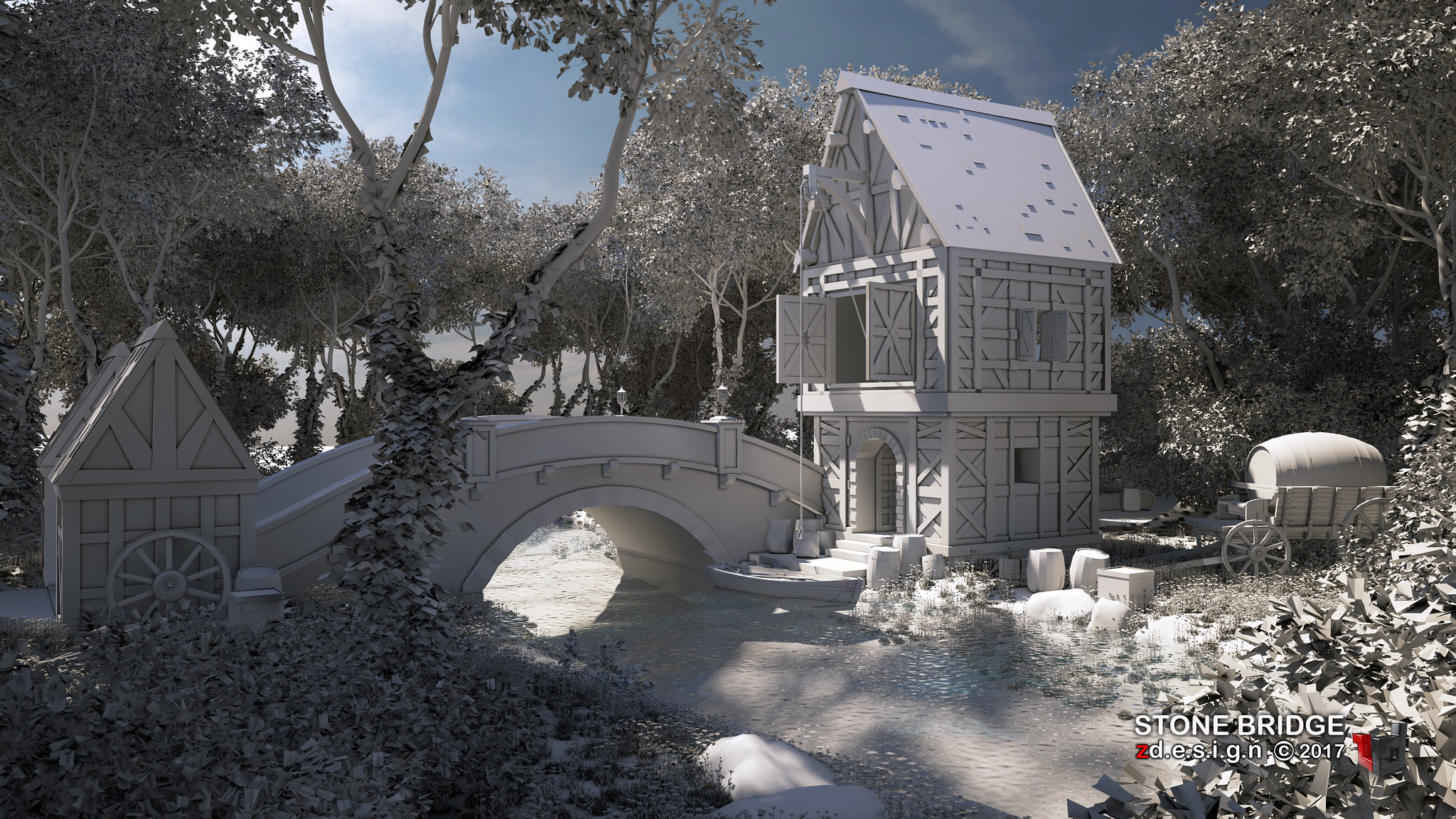
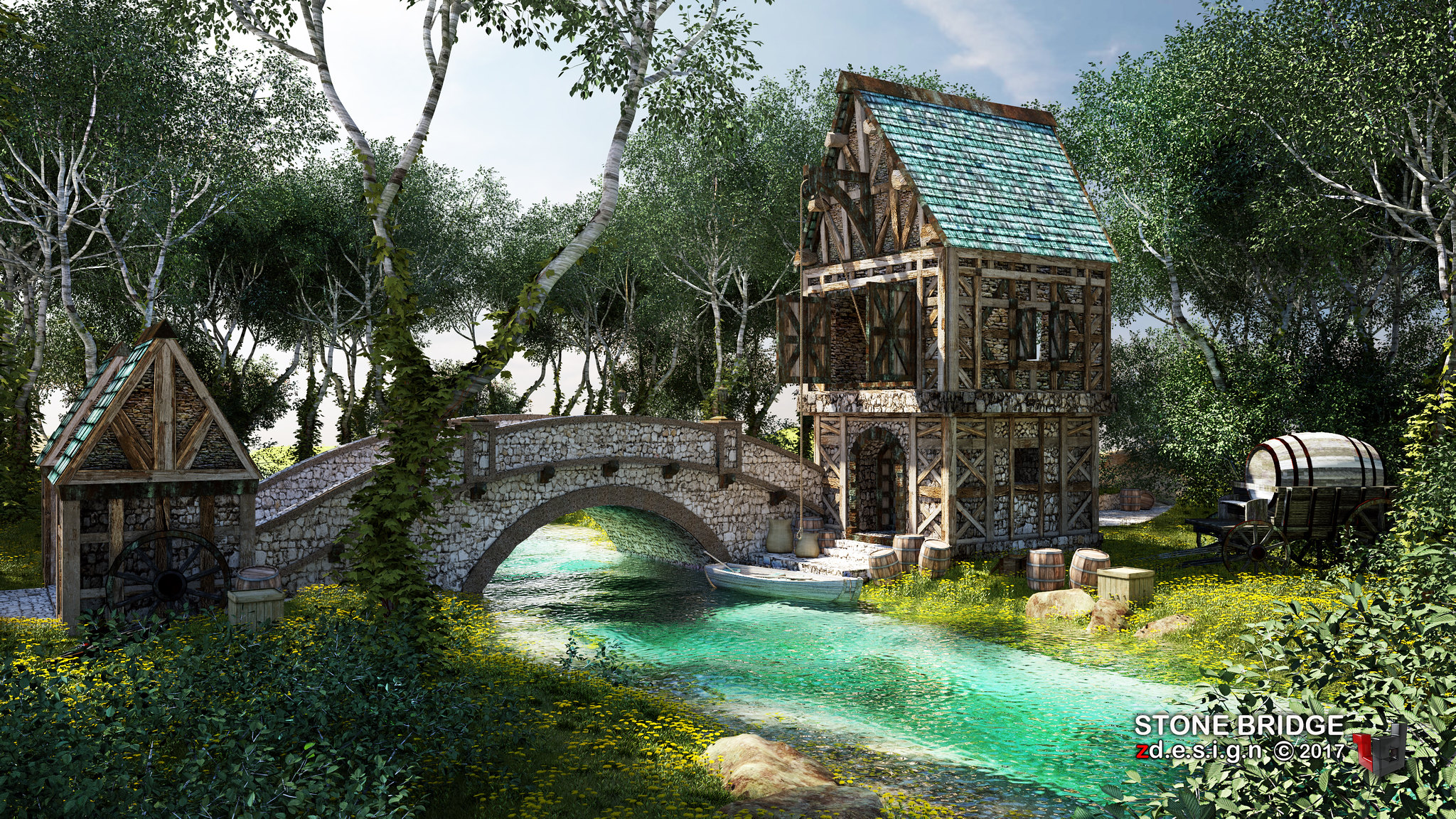
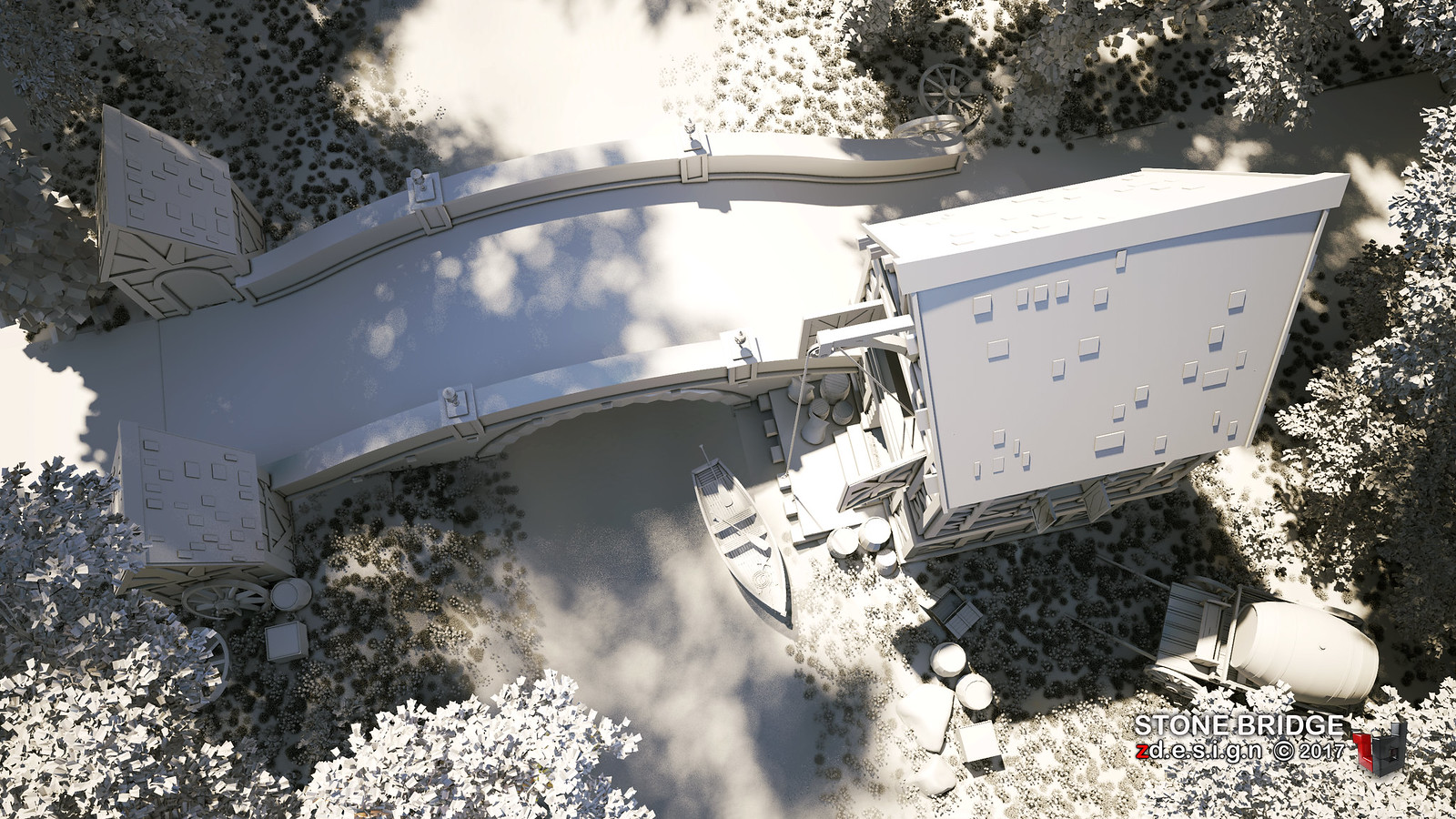
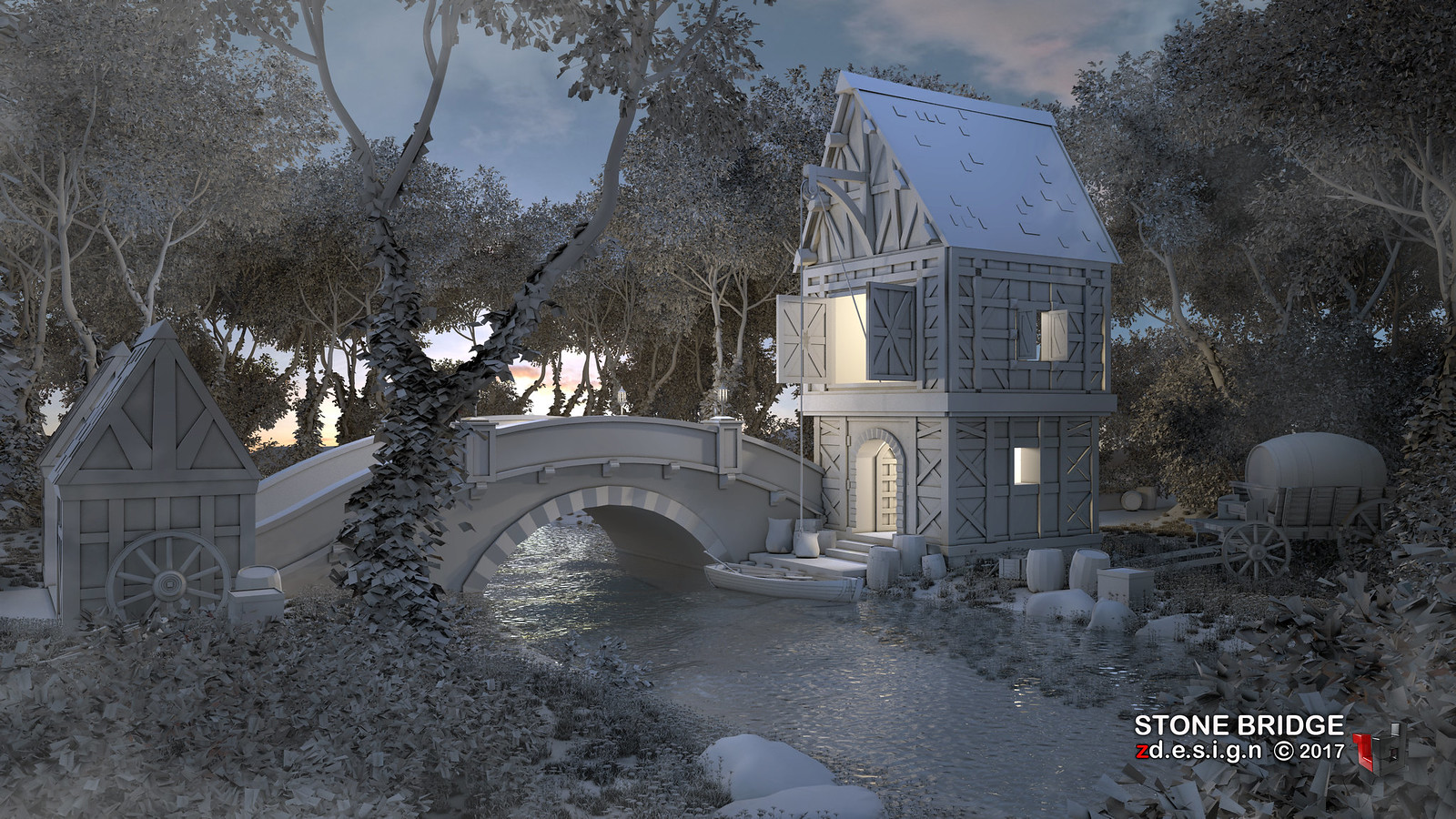
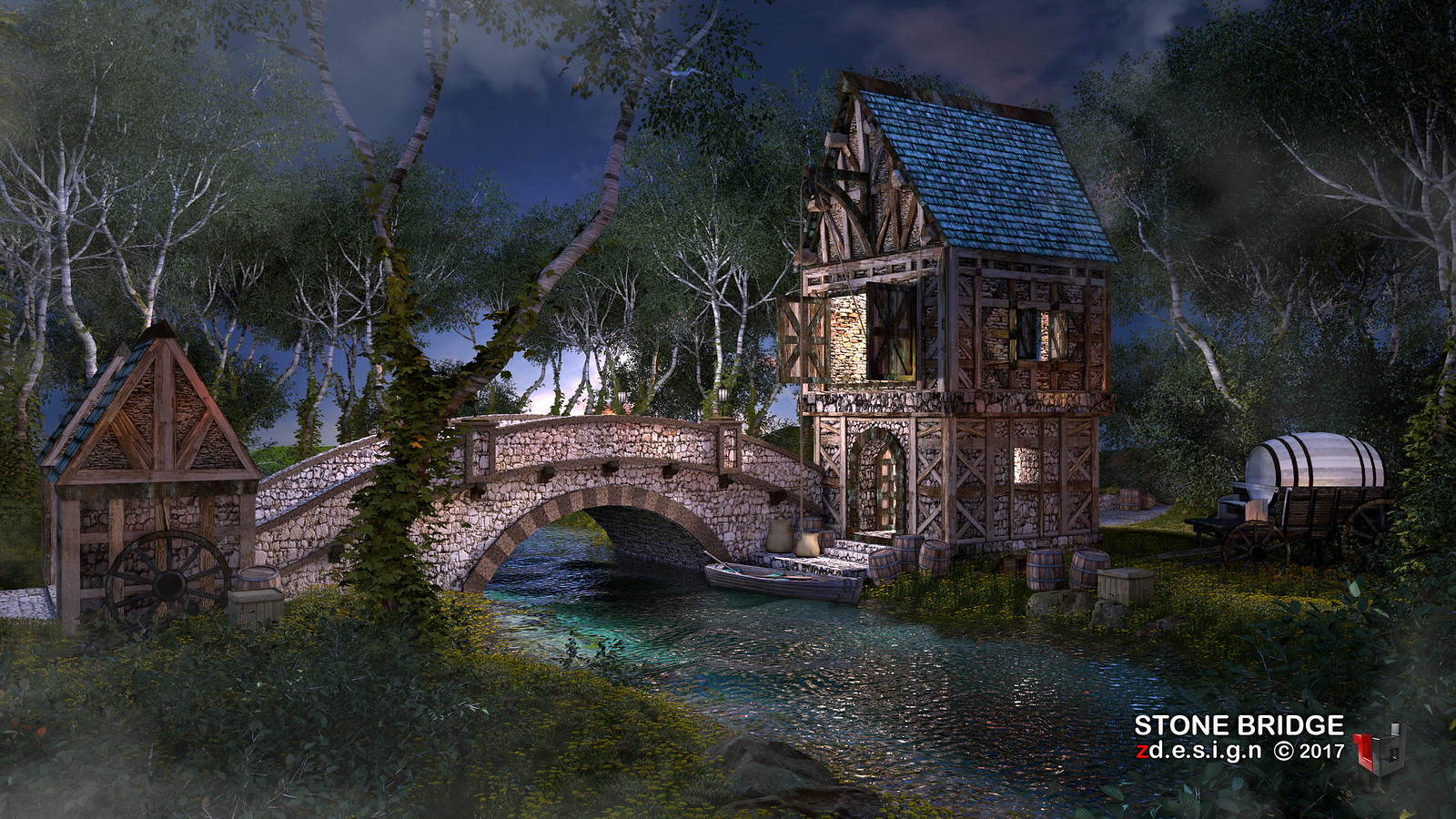
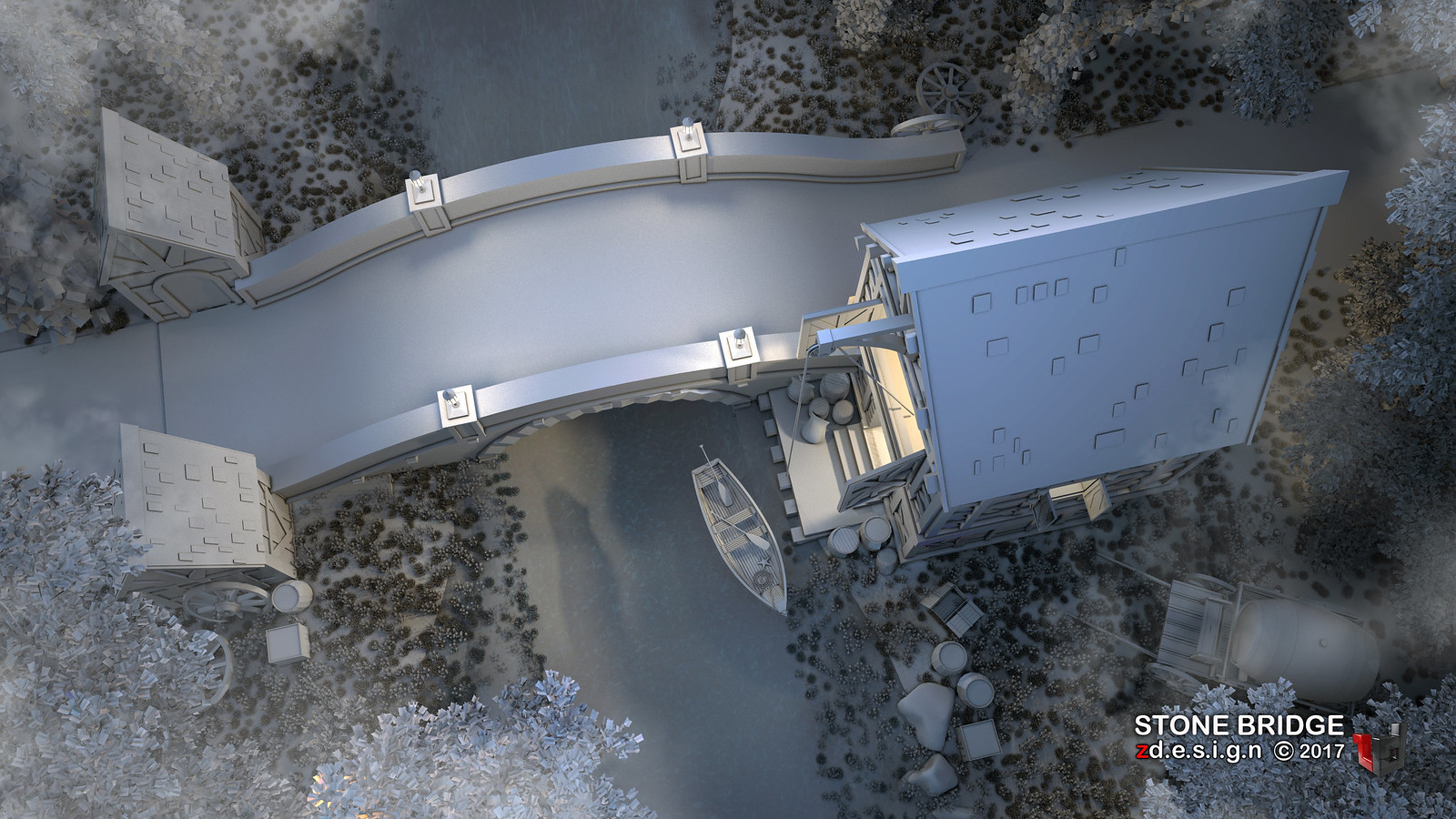
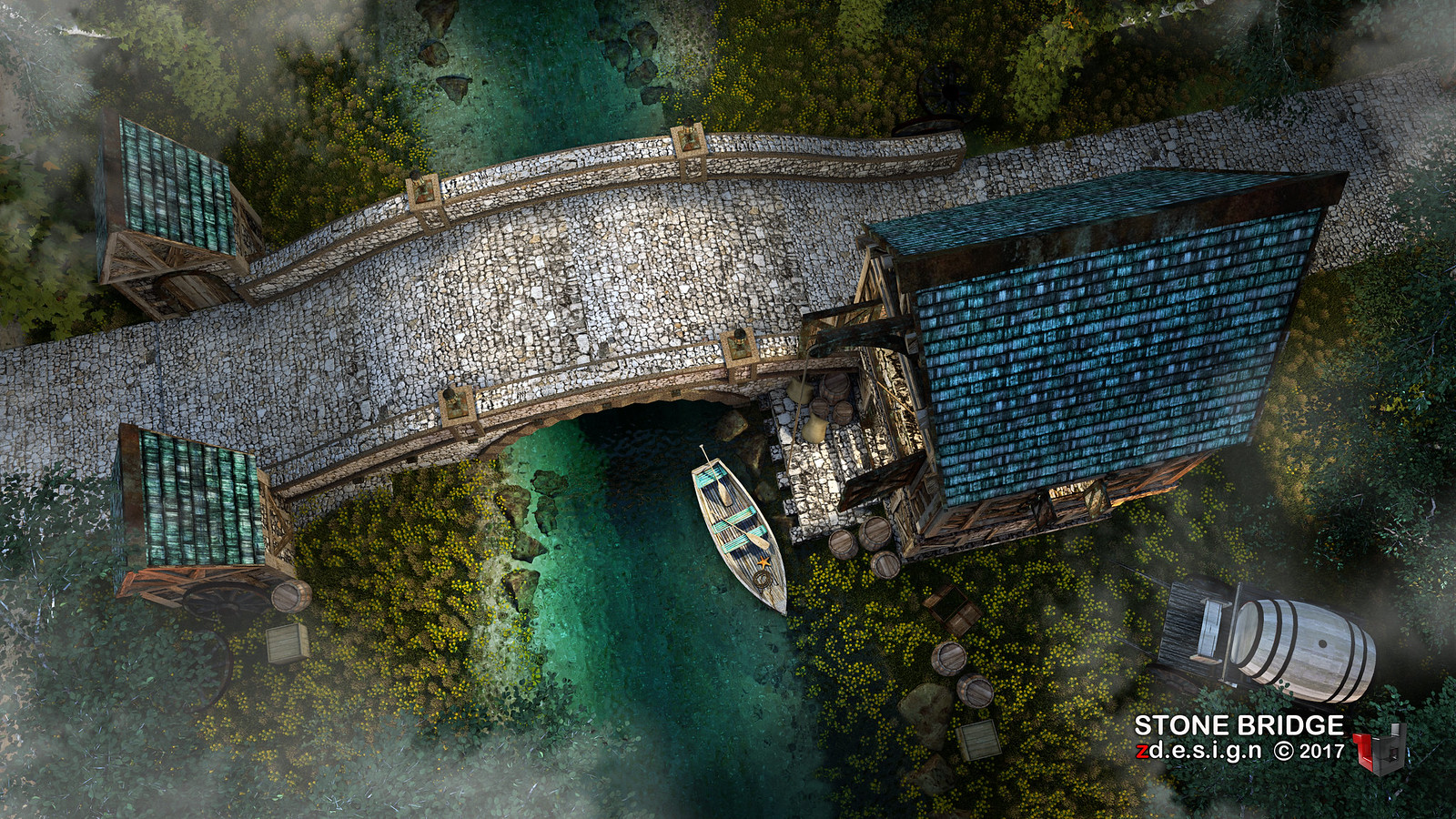
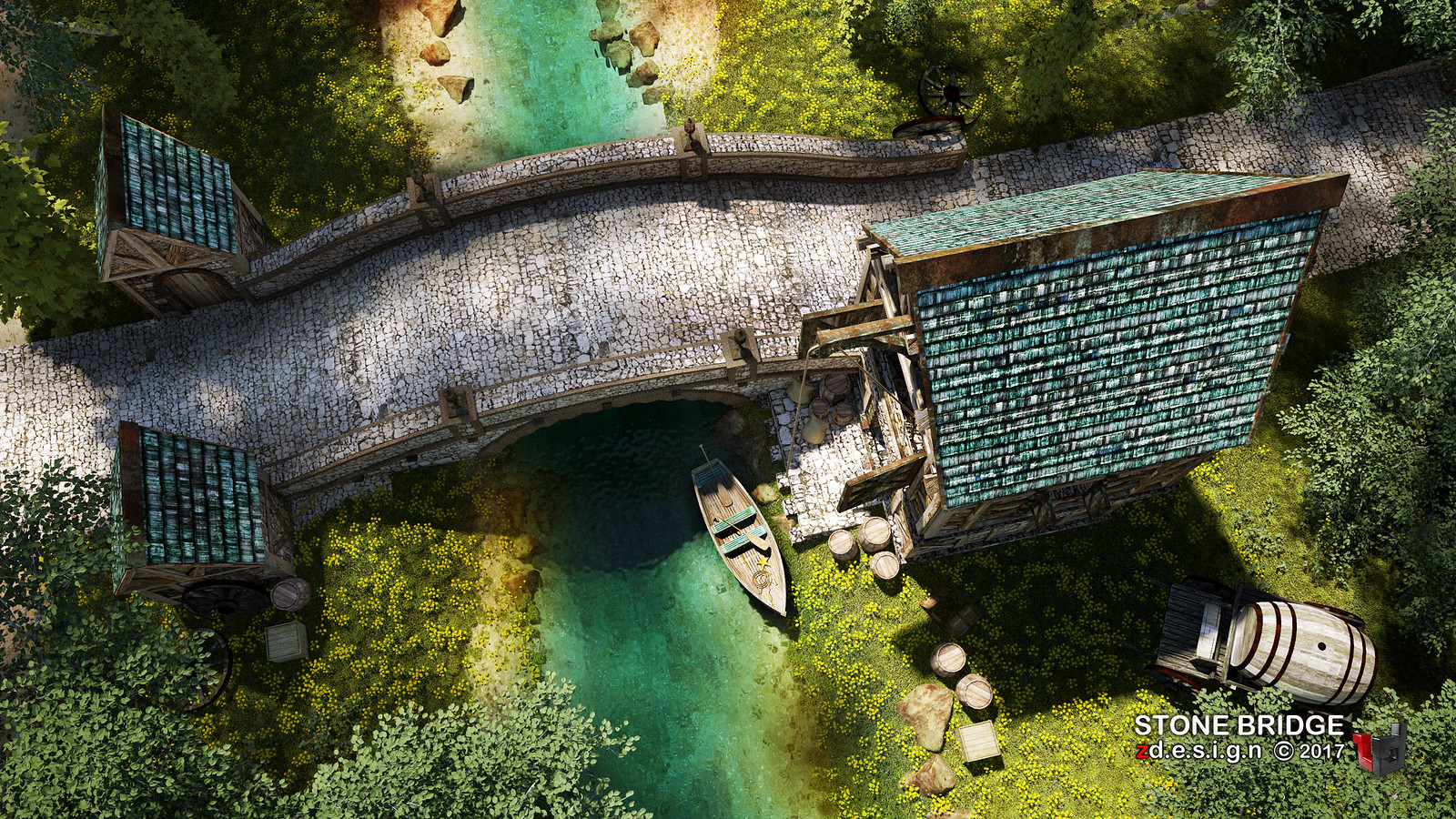
Epic - STONE BRIDGE . . .( final ) sketchup vray 3.4
During middle ages, the bridge connecting the way for the
two villages are important especially transporting product or exchanging goods
and services without using money, and in that case there is no complete
communication system if there is no bridge. That's why some skilled workers or
town's masons managed to built it proving themselves to be skillful engineers
in that time by laying foundations for this beautiful arched bridge where the
river flows all over a year.
Monday, October 23, 2017
Subscribe to:
Posts (Atom)